Claims by policy report
Last updated: March 5, 2026
Overview
You can generate a comprehensive claims report for any client account that consolidates all claims reported over a specified time period. This feature is particularly useful when clients request historical claims data for their records.
Claims reports will typically contain:
All claims reported for the specified client
Date ranges as specified (such as the past 5 years)
Claim details and status information
A format suitable for printing and sharing with clients.
For more information about creating reports, see 📄 Managing reports.
Generate the report
To create a claims report:
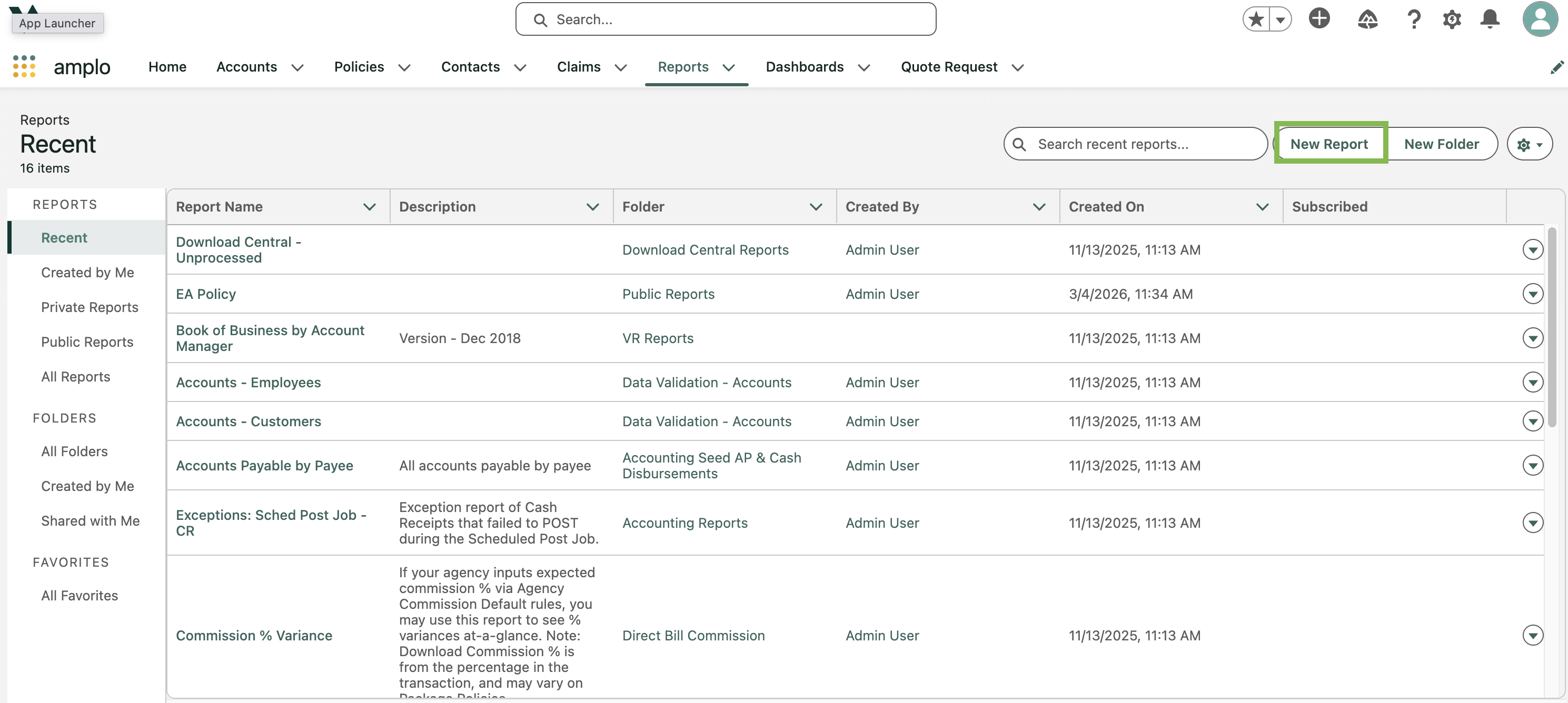
Navigate to the Reports tab.
Click New Report.
In the Category section, click All.
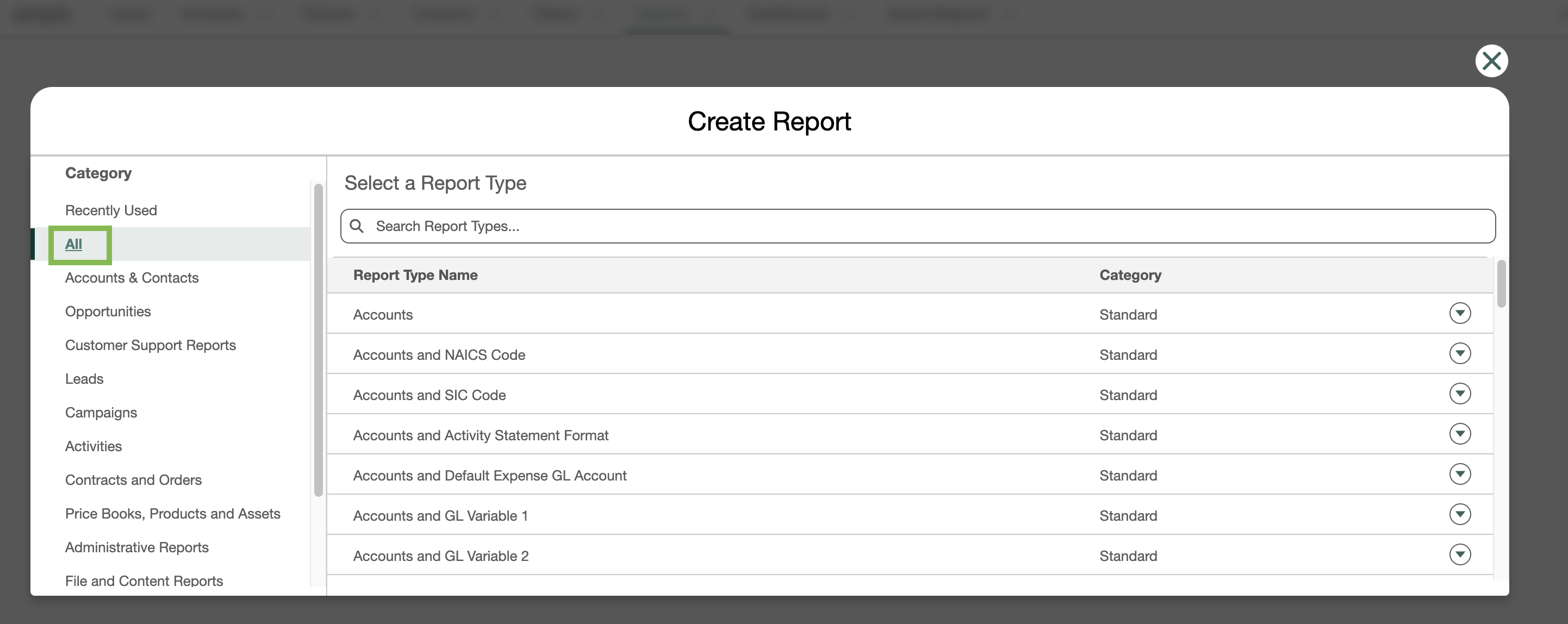
Search and select Policies with Claims and Account.

Click Start Report.
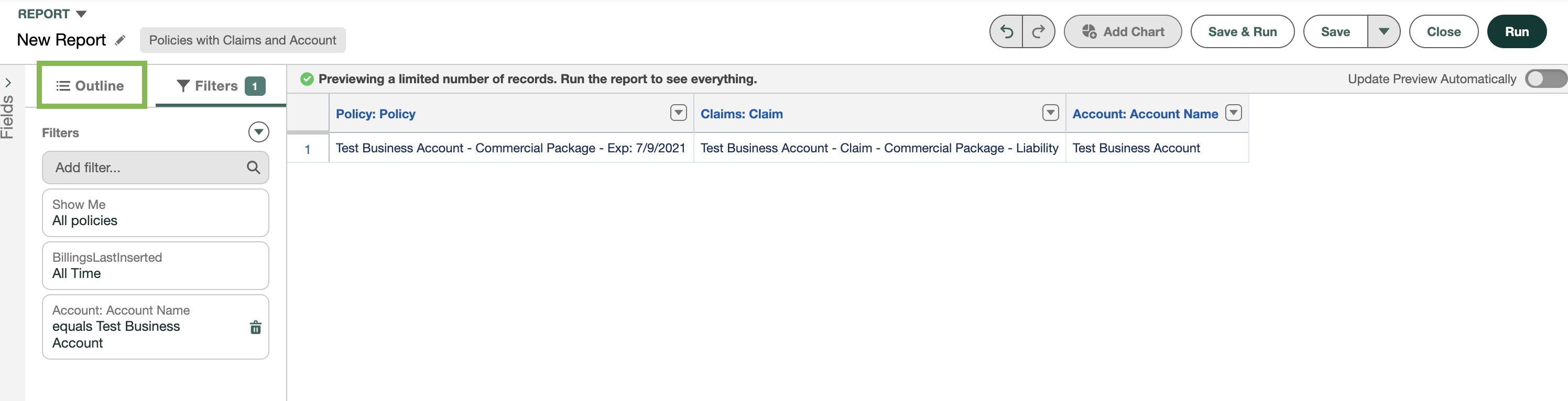
Click the Filters tab.

Ensure the following columns are present:
Show Me: All policies
Date Reported: All Time, or the timeframe of your choice.
Account Name: enter the exact name of the account.
Click the Outline tab.
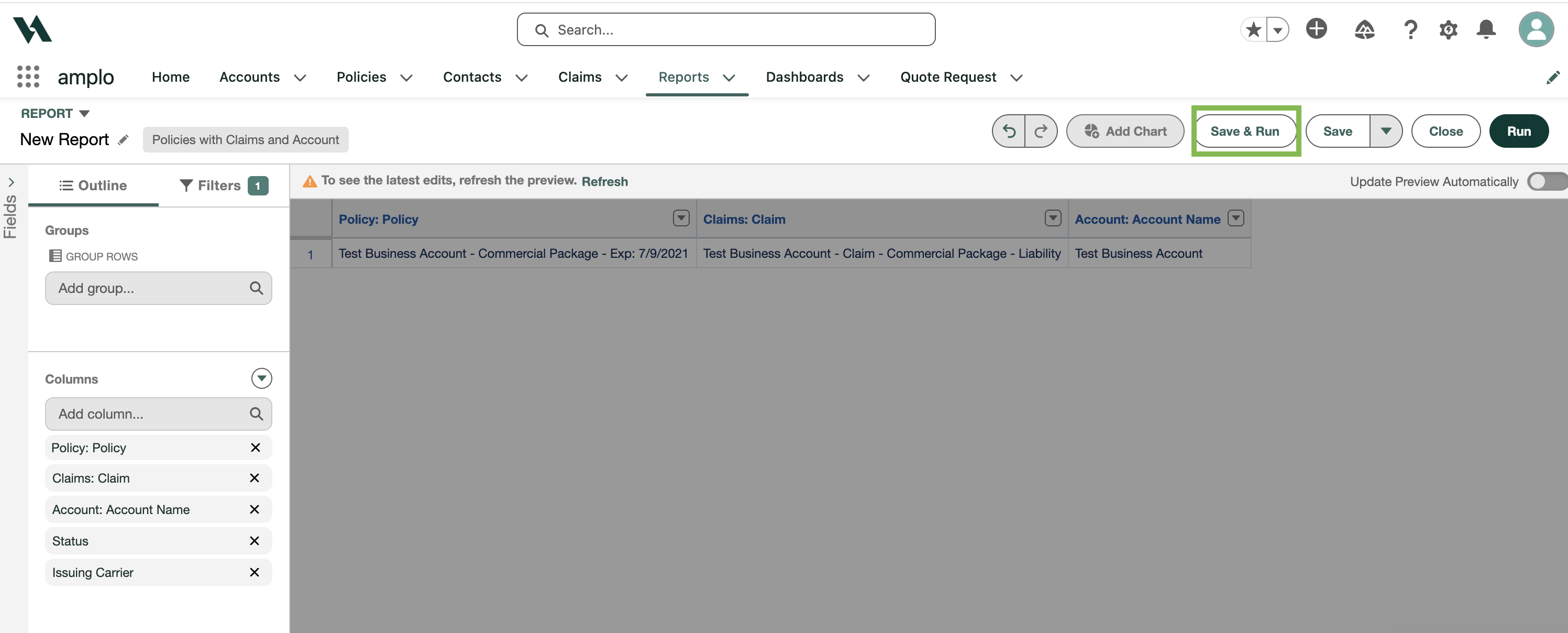
Add the necessary fields from the Claim record to the Columns section. We recommend fields such as:
Claim
Policy Number
Status
Issuing Carrier
Click Save & Run.
Give the report a name, then click Save.