Forms Library
Last updated: July 6, 2026
Overview
The Forms Library gives agencies a single place to access all ACORD-standard forms within amplo. It ensures you’re always working with the correct, up-to-date documents without searching, second-guessing, or managing files outside the system.
By centralizing ACORD forms in one library, amplo makes it easier to complete forms consistently, support compliance, and move work forward with confidence. Whether you’re issuing certificates or preparing policy-related documentation, the library keeps essential forms organized, accessible, and ready when you need them.
Forms Editor
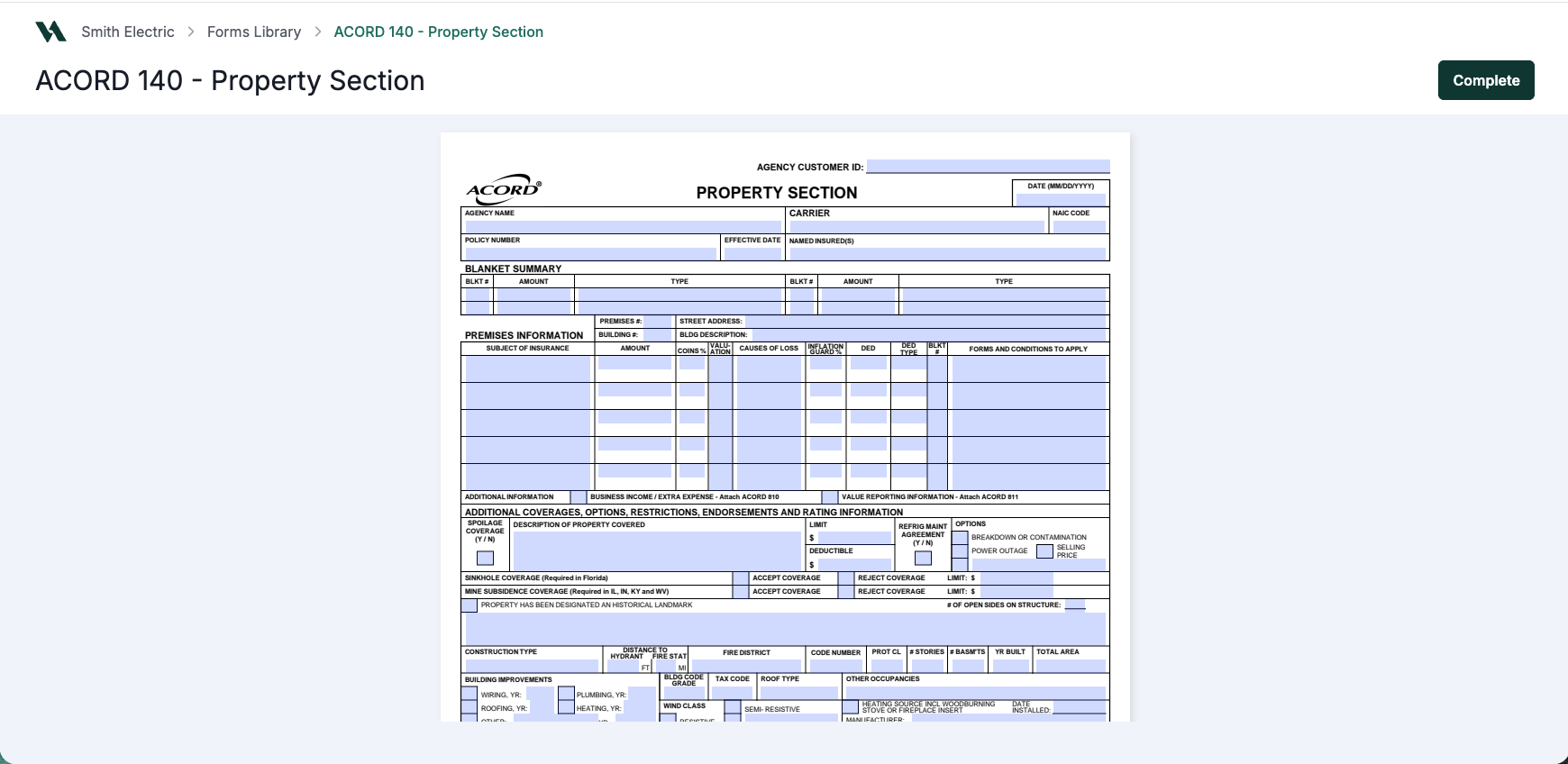
Work directly in the form to enter, update, and review information. Changes save automatically as you go. Form titles are editable so they're easy to identify when multiple certificates are saved to the same account. When you launch a form (not certificates), the data pre-fills automatically. When the form is complete, you can finalize it knowing the information is accurate and up to date. For more information, see 📄 Forms Editor.
Forms List
View all in-progress forms in one place. You can filter to find what you need, reopen forms you’ve started, and pick up where you left off whenever you’re ready. For more information see 📄 Forms List.

Master Certificates
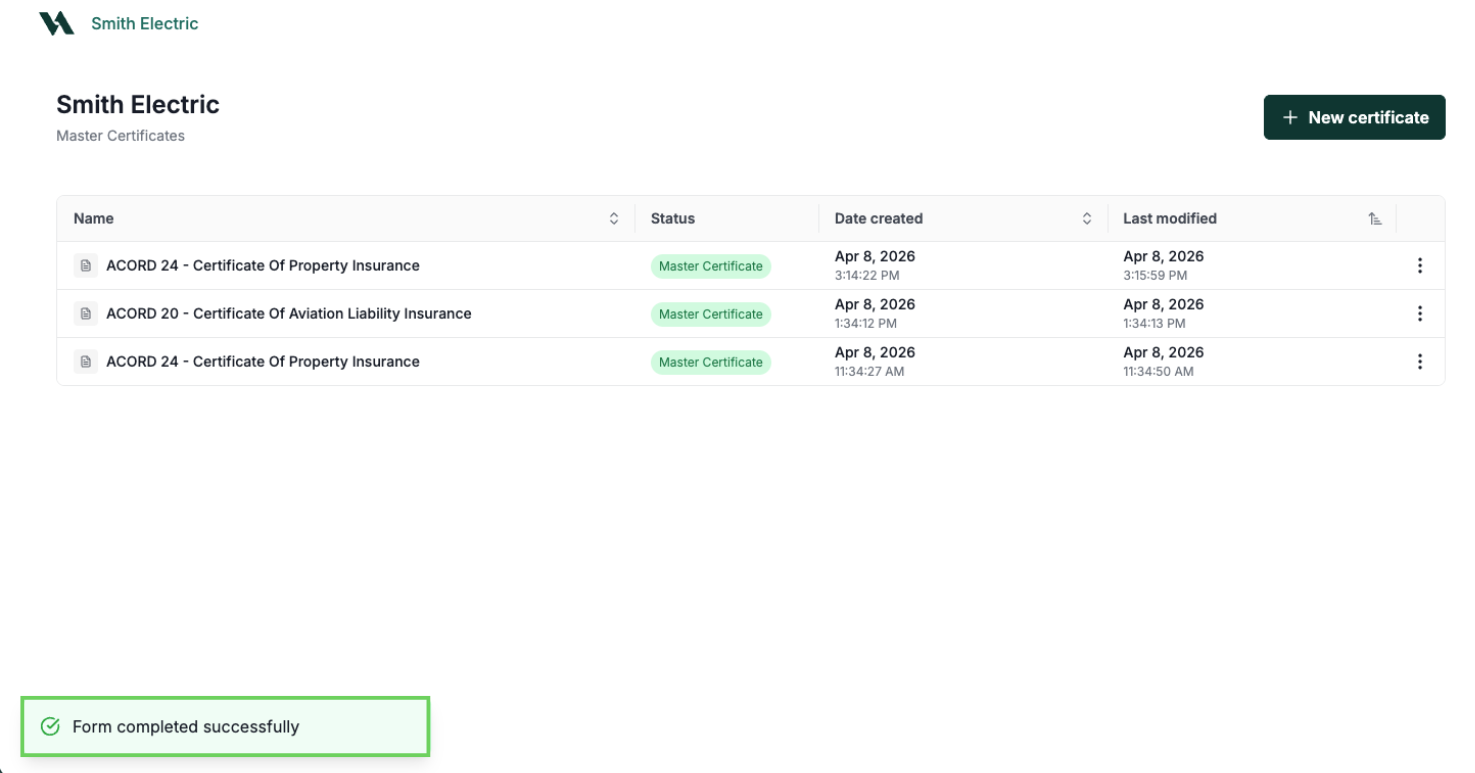
When you complete a certificate, the Forms app saves a reusable master template that stays accessible and editable, separate from the PDF saved to VerunaDocs. Open the master template, make your changes, and complete a new version without re-entering data from scratch. For more information, see 📄 Master Certificates .
Generating certificates for multiple holders
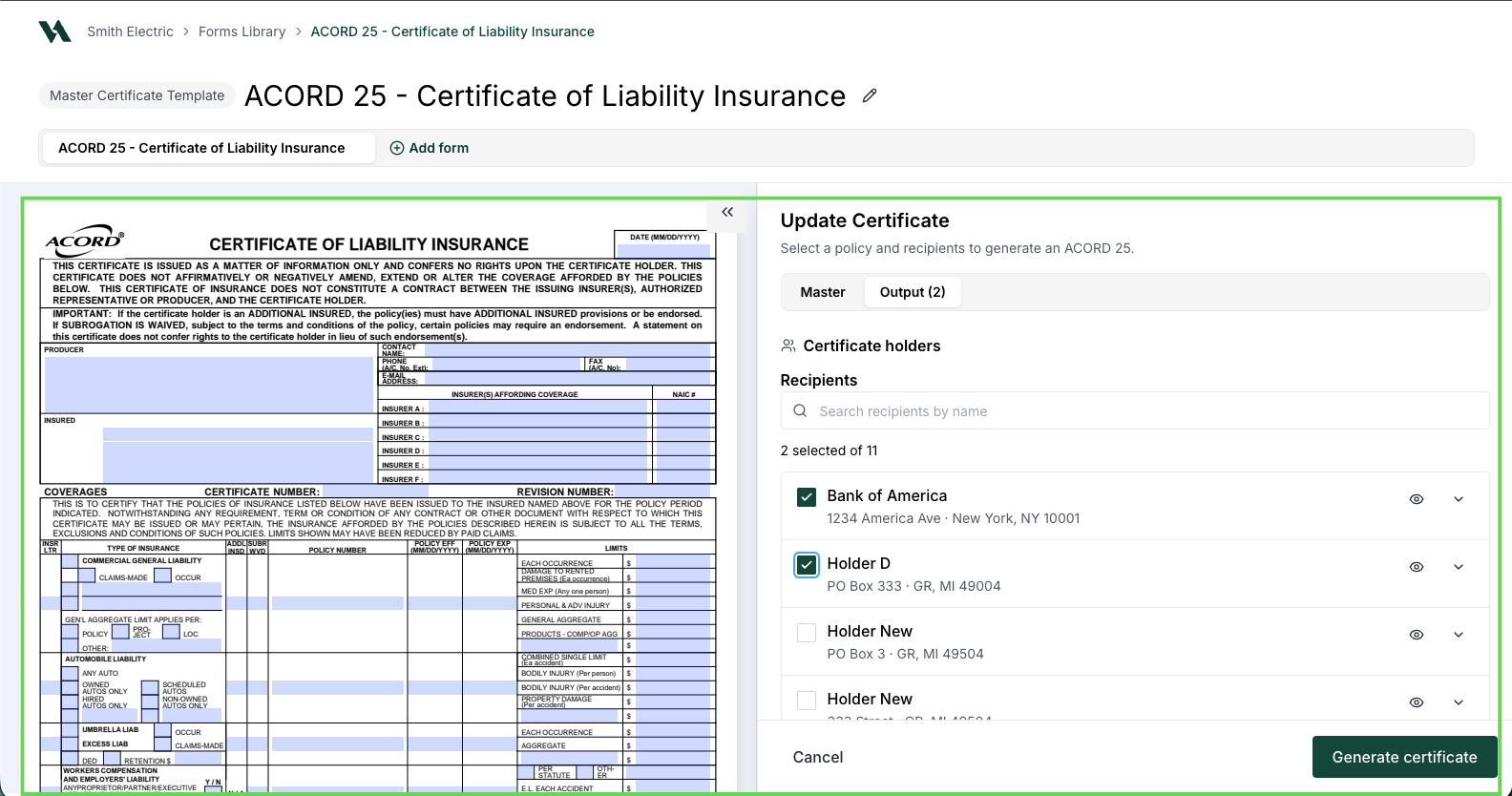
Select multiple certificate holders at once and amplo generates a separate certificate for each, saving them automatically to the Documents tab and the Holders tab. For more information, see 📄 Generate certificates for multiple holders.
Overflow and Packets
When a form reaches its limit, amplo alerts you and suggests the appropriate child form to handle the overflow. You can also combine forms into packets manually at any time. Completed packets save as a single PDF in VerunaDocs. For more information, see 📄 Forms overflow and packets.

Workflow entry points
amplo supports the forms you need across the full policy lifecycle, so your team can move forward with confidence at every stage. Select a section below to see where to access each entry point.
Prospective policy
On the policy, click ACORD Application.

Policy Cancellation
On the policy, click ACORD Cancellation.

Policy changes
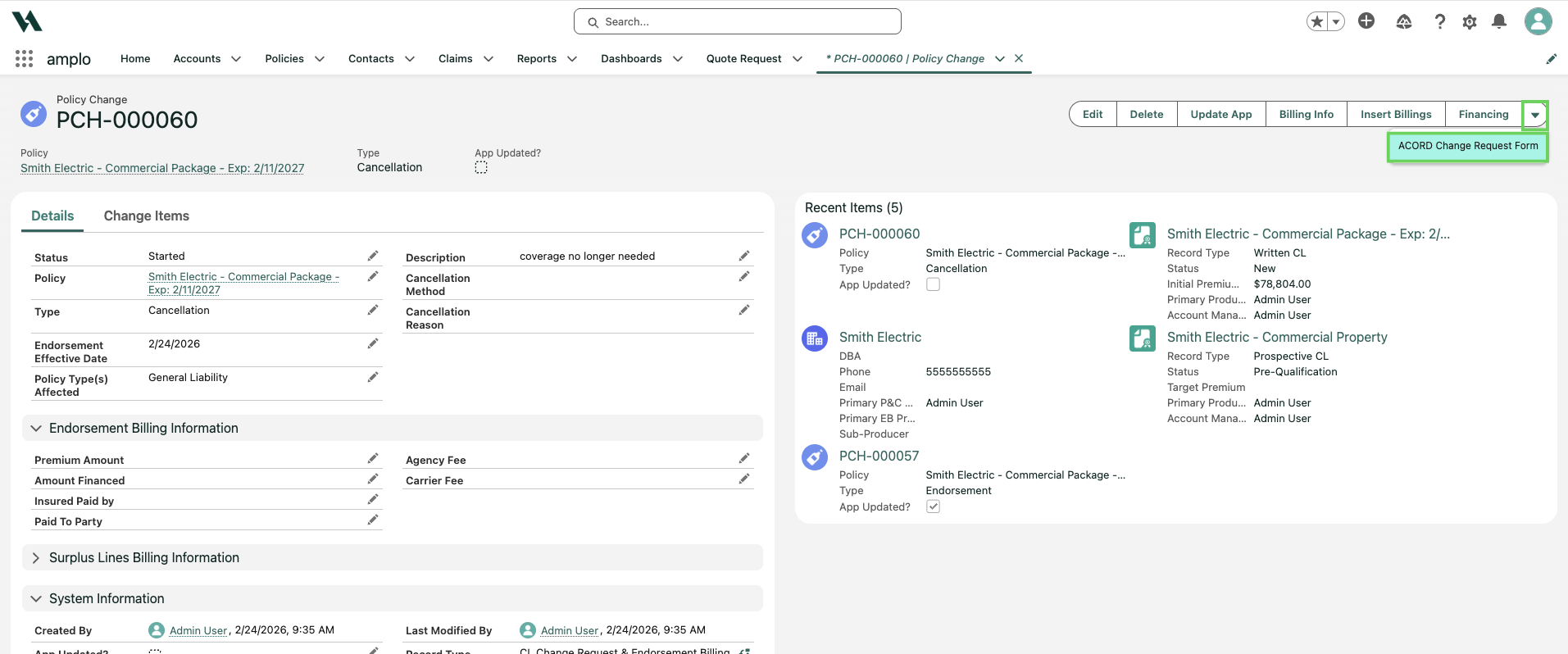
On the policy change record, click the down arrow and select ACORD Change Request Form.
Claims
On the claims record, click ACORD Claim Form.

Evidence of insurance
On the account record, click the down arrow and select COI/Evidence.

This opens the forms library, where you can view all available certificate templates.
Master Certificates
On the account record, select Master Certificates to access saved certificate templates.

Feedback and support
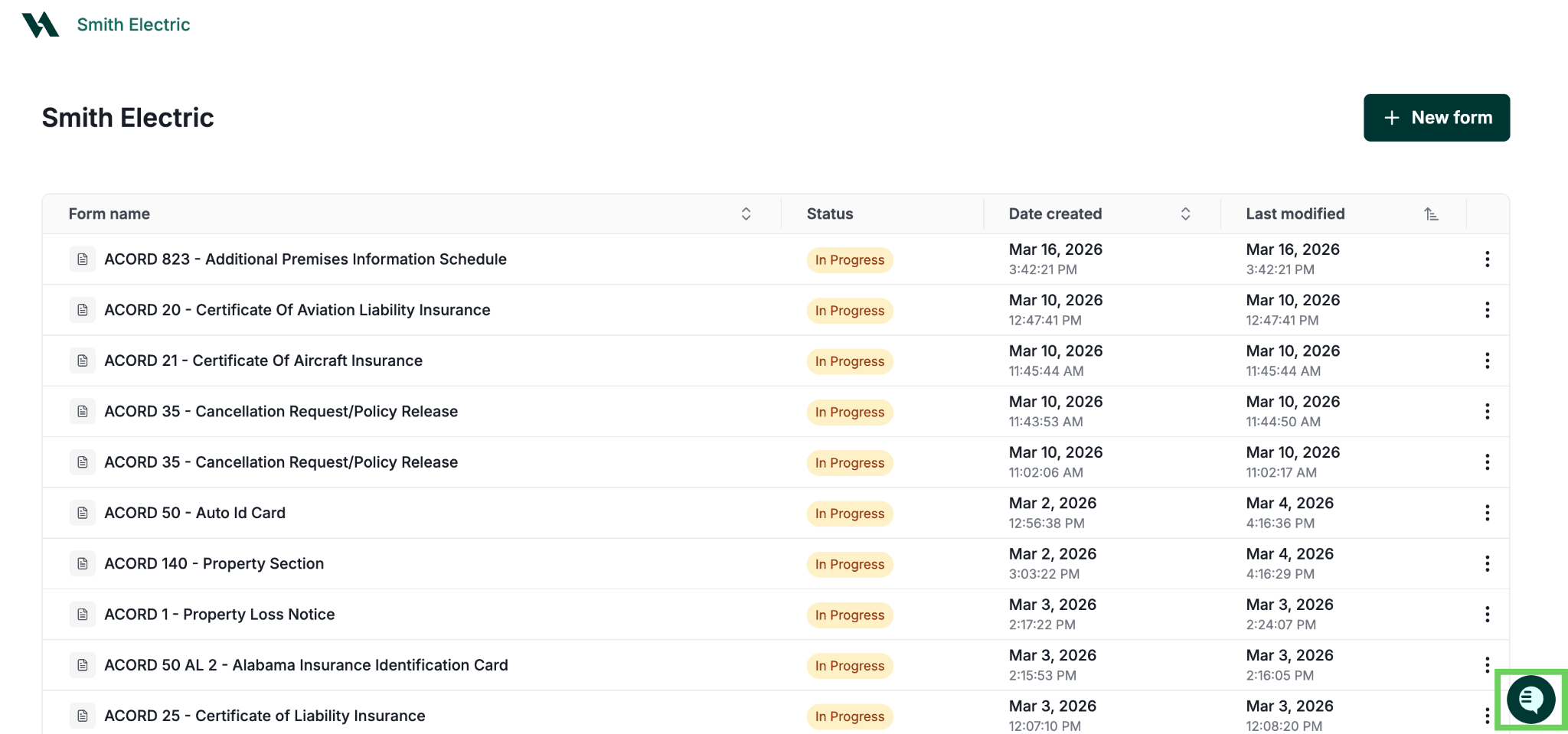
Have a question or feedback about the Forms Library? A support chat is available directly in the app whenever you need it.
You'll also see a quick survey every 90 days. Your responses help us improve the experience for your team.
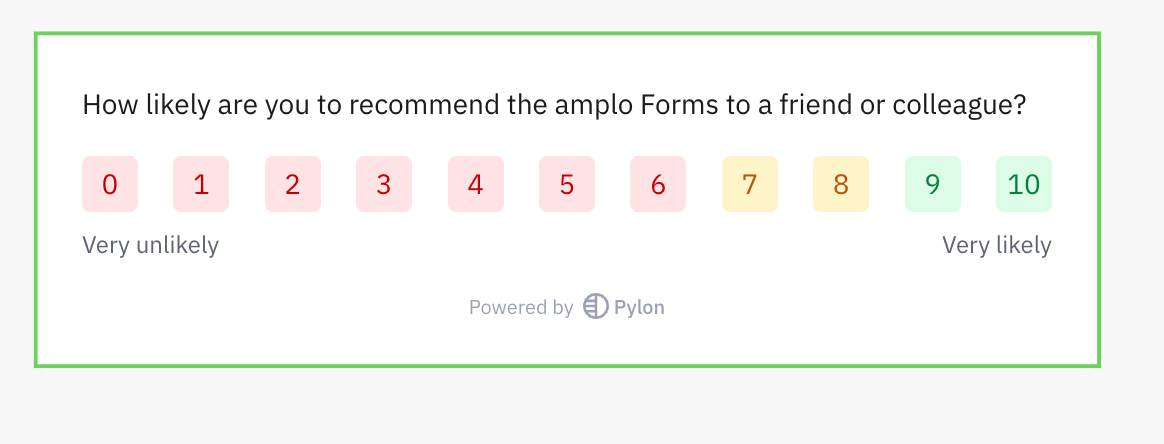
Note: The NPS survey appears in both sandbox and production environments.
Frequently Asked Questions
Why should I adopt the Forms Library?
This is a foundational upgrade for our company. We replaced a fragile, legacy forms system with a modern AWS foundation for a new cloud-native amplo Forms that’s more stable, scales as you grow, and unlocks faster improvements without disrupting your workflows. This means better performance today, fewer issues over time, and a much faster path to quick iterations and new functionality.
Where are all of my documents being saved?
There will be no change with how and where they are currently being saved, which will be in the Documents tab, depending on if it's an account-level or policy-level ACORD form. All policy-level ACORD forms will roll up to the account level.
Will I be able to do bulk certificates with the Forms Library?
Yes, you can now generate certificates for multiple holders at once. Select your holders from the Holders tab and amplo generates a separate certificate for each, saved automatically to the Documents tab and the Holders tab. For more information, see 📄 Generate certificates for multiple holders.
Are all ACORD forms going to have a PDF available?
Yes, all ACORD forms are available in the Forms app to manually input in the PDF data and save back down to Salesforce.
Do I have the ability to create a packet and save individual PDFs into one file?
Yes, packets are now available in the Forms Library. When you complete a packet, all forms save as a single combined PDF in VerunaDocs. For more information, see 📄 Forms overflow and packets.