VerunaDocs "Authentication failure" error
Last updated: August 4, 2026
Overview
When accessing the Documents tab on an account, users may encounter an authentication failure error indicating their VerunaDocs API token has expired. This can occur in any browser and requires a token reset to resolve.
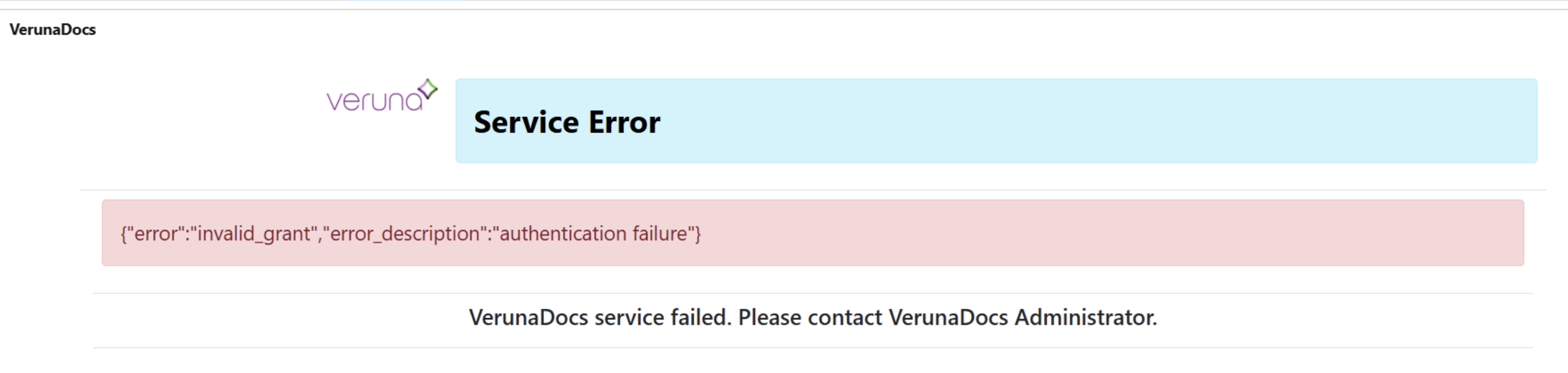
Reset the token
A Salesforce administrator can reset the affected user's token by following the steps in 📄 Resetting the VerunaDocs API token.
Re-establish access
Once the token has been reset, have the affected user complete the following steps:
Clear their browser cache for All time. See 📄 How to clear your cachefor instructions.
Log back into Salesforce.
Navigate to the desired account record and click the Documents tab.
Click the blue Documents hyperlink.
In the popup window, click Allow to permit access.
Note: If the error persists after completing these steps, contact amplo Support.