Unable to attach files in VerunaDocs
Last updated: September 18, 2026
Overview
Due to Salesforce's security requirements, the VerunaDocs token expires after a period of inactivity. When this happens, users may see an error when trying to drag and drop or attach files in VerunaDocs. Use this article to re-authenticate your session and restore access to VerunaDocs.

Re-autheniticate the session
By default, the VerunaDocs token stays valid for five hours. If you encounter an error when attaching a file, complete the following steps:
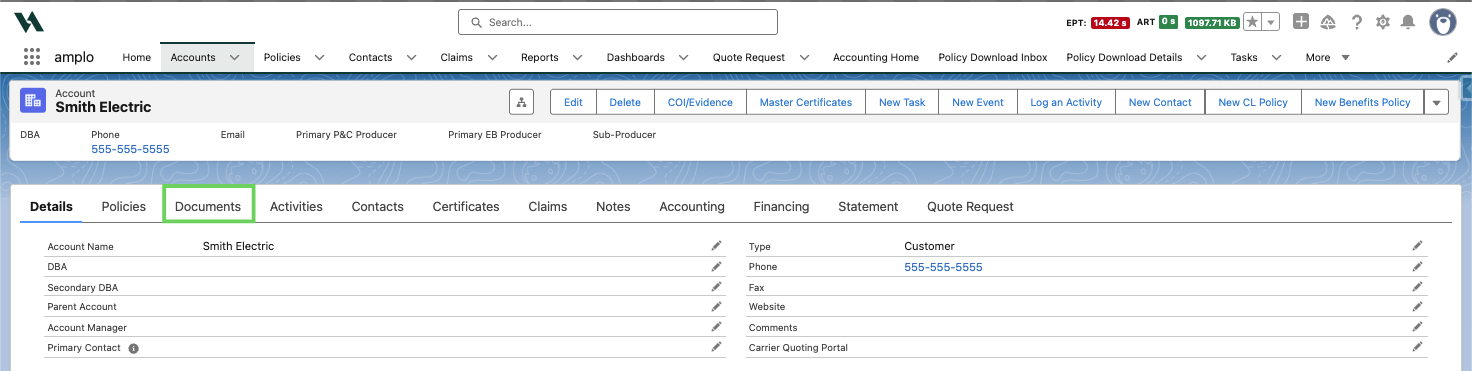
Navigate to the account record and click the Documents tab.
Click the blue Documents hyperlink.
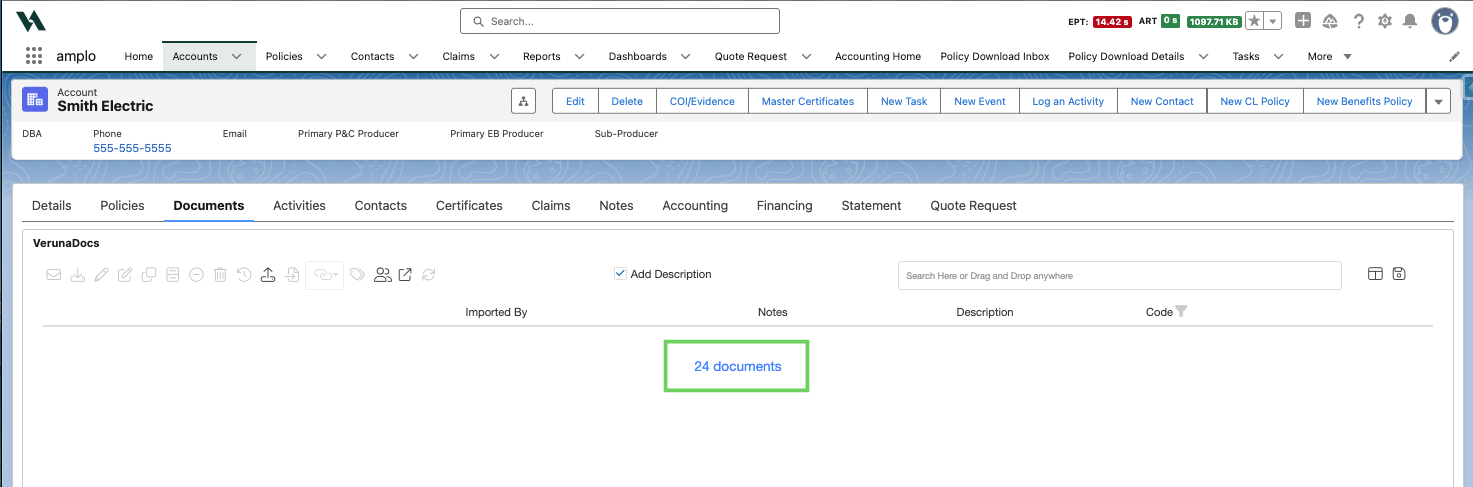
Allow the token page to open and close.
This should now allow files to attach normally.
Note: If the error persists after re-authenticating, contact amplo Support for further assistance.