Fixing policy number mismatches in downloads
Last updated: April 23, 2026
Overview
Small changes in policy numbers, such as added prefixes or suffixes, can prevent accurate download matching. The Policy Number Download (Prefix Removal) and Policy Number Download (Suffix Removal) fields help prevent these mismatches. They allow amplo to ignore a set number of characters at the beginning or end of a policy number during download processing.
Note: The prefix and suffix removal fields only exist on the Carrier/Broker/Billing Company record type.
Before you begin
Before configuring prefix or suffix removal, locate the fields on the carrier account record.
Navigate to the Accounts tab.
Open any Carrier/Broker/Billing Company record.
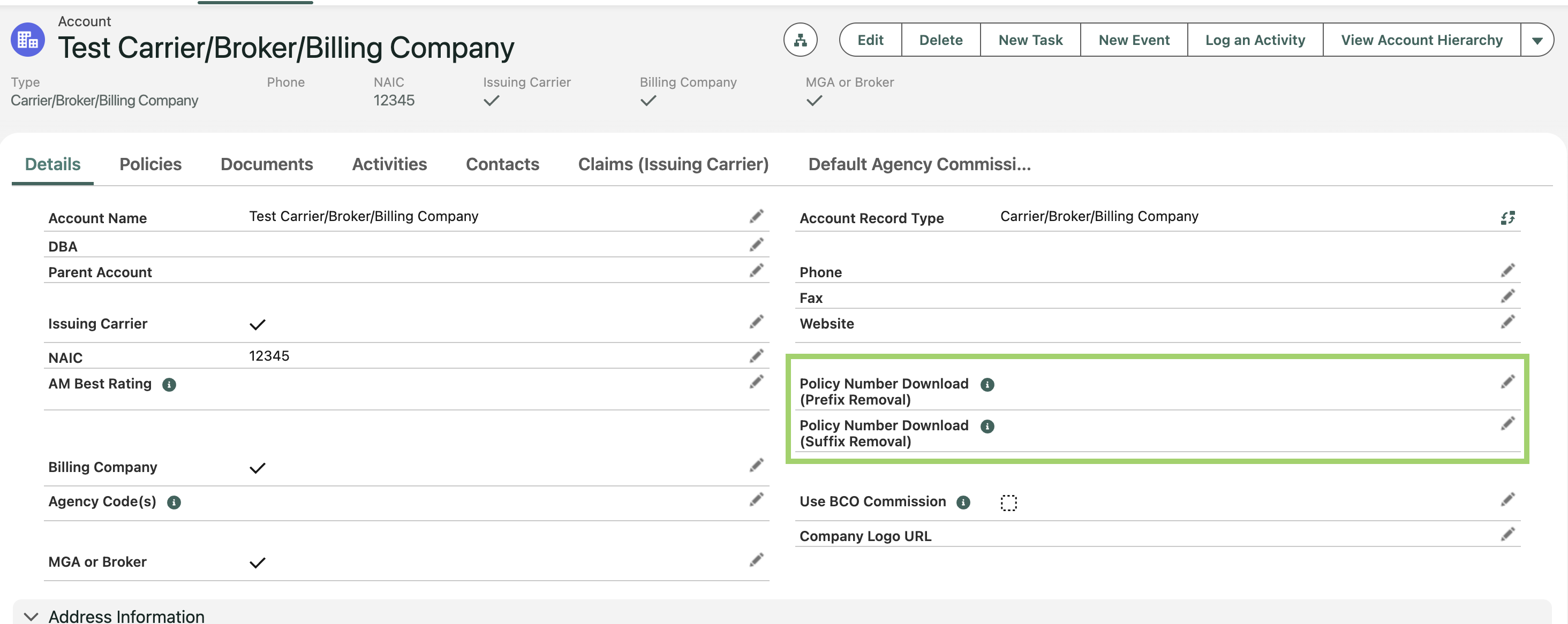
On the the Details tab, locate the following fields:
Policy Number Download (Prefix Removal)
Policy Number Download (Suffix Removal)
Suffix removal
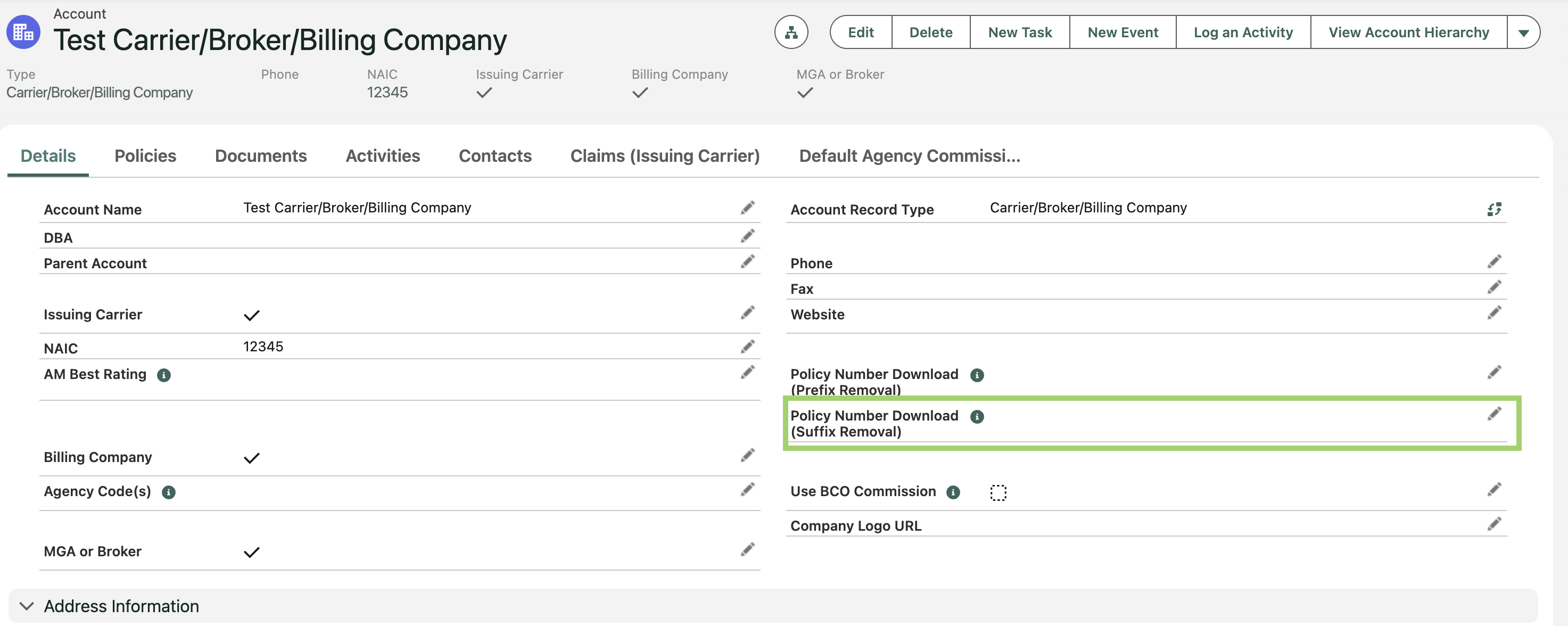
Use this setting when downloads add characters to the end of a policy number.
Click the pencil icon to edit the Policy Number Download (Suffix Removal) field.
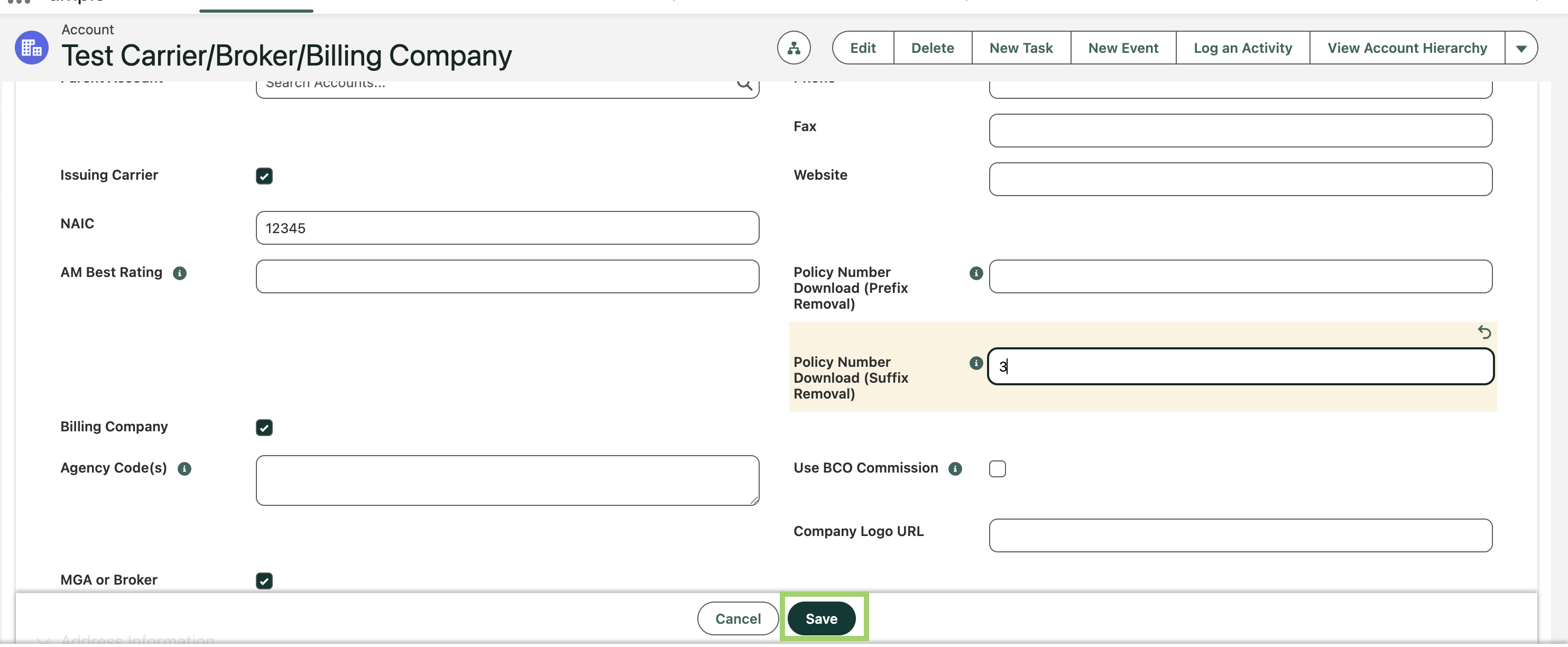
Enter the number of characters to ignore from the end of the policy number.
For example, if a policy number is
ABC123-01and Suffix Removal is set to 3, the system ignores-01, reading the policy number asABC123for matching.
Click Save.
When matching, the system will now treat the shortened value as the policy number.
Prefix removal
Use this setting when downloads add characters to the beginning of a policy number.
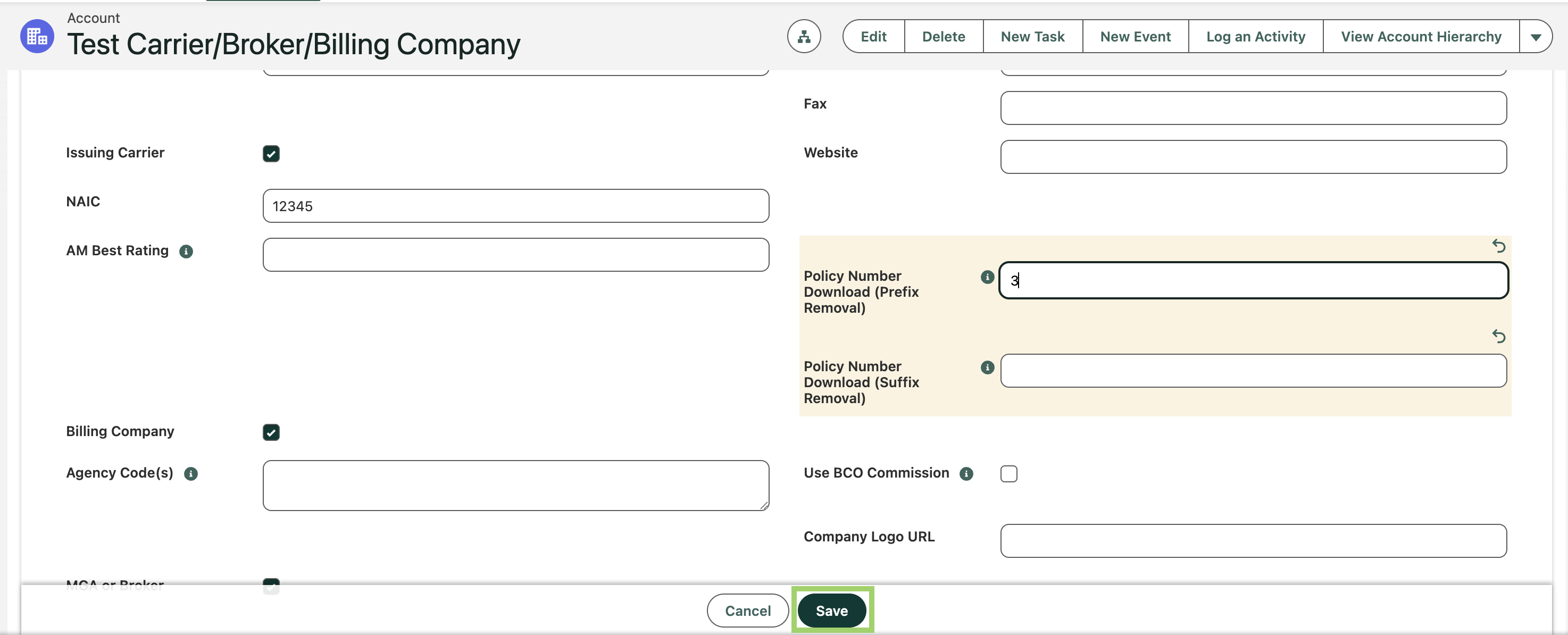
Click the pencil icon to edit the Policy Number Download (Prefix Removal) field.
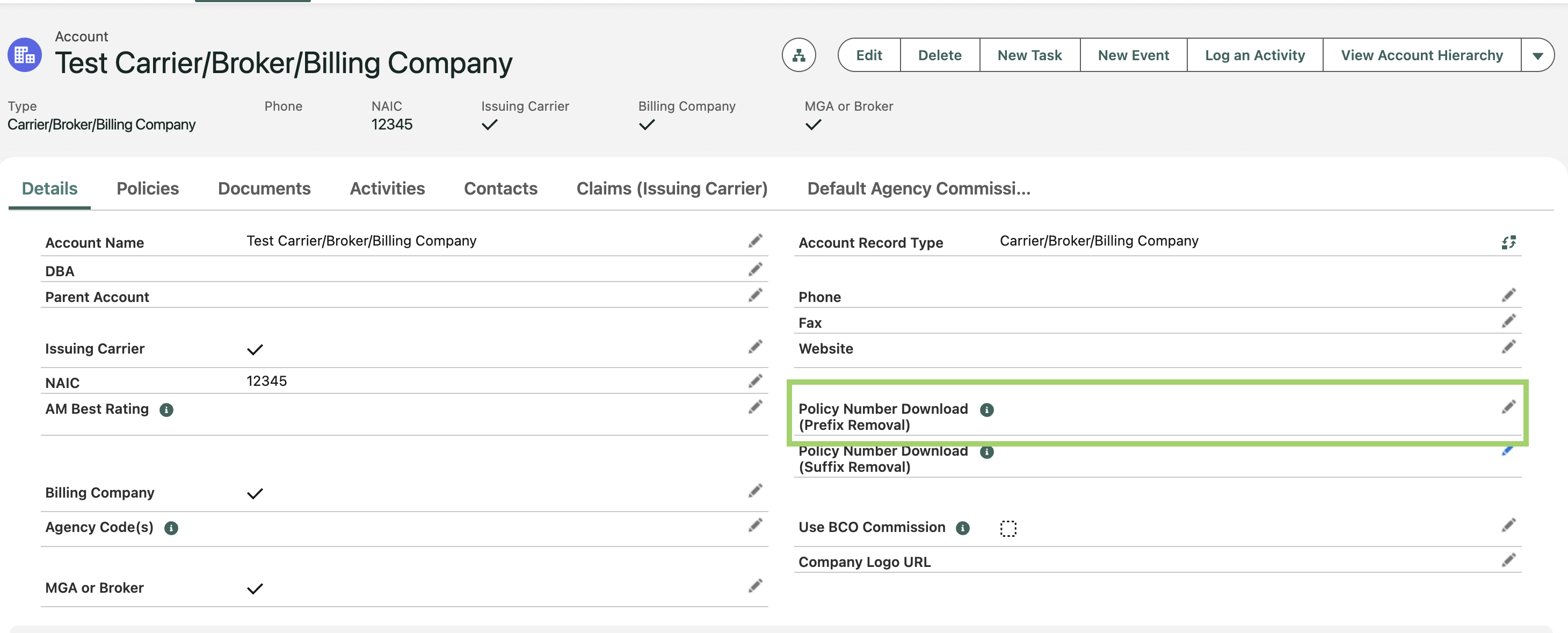
Enter the number of characters to ignore from the beginning of the policy number.
For example, if the policy number is
PRE123456and Prefix Removal is set to 3, the system ignoresPREand reads the number as123456for matching.
Click Save.