Managing policy mappings
Last updated: April 23, 2026
Overview
ACORD LOB (line of business) codes directly affect download matching, coverage mapping, and policy processing in amplo. When these codes don’t align, policies may not map correctly, reporting can be inconsistent, and integrations like IVANS downloads may fail to match as expected. This article explains where to find LOB mappings and how to review them to keep your system aligned.
View mappings
In the App Launcher, search and select IVANS Policy Mappings.

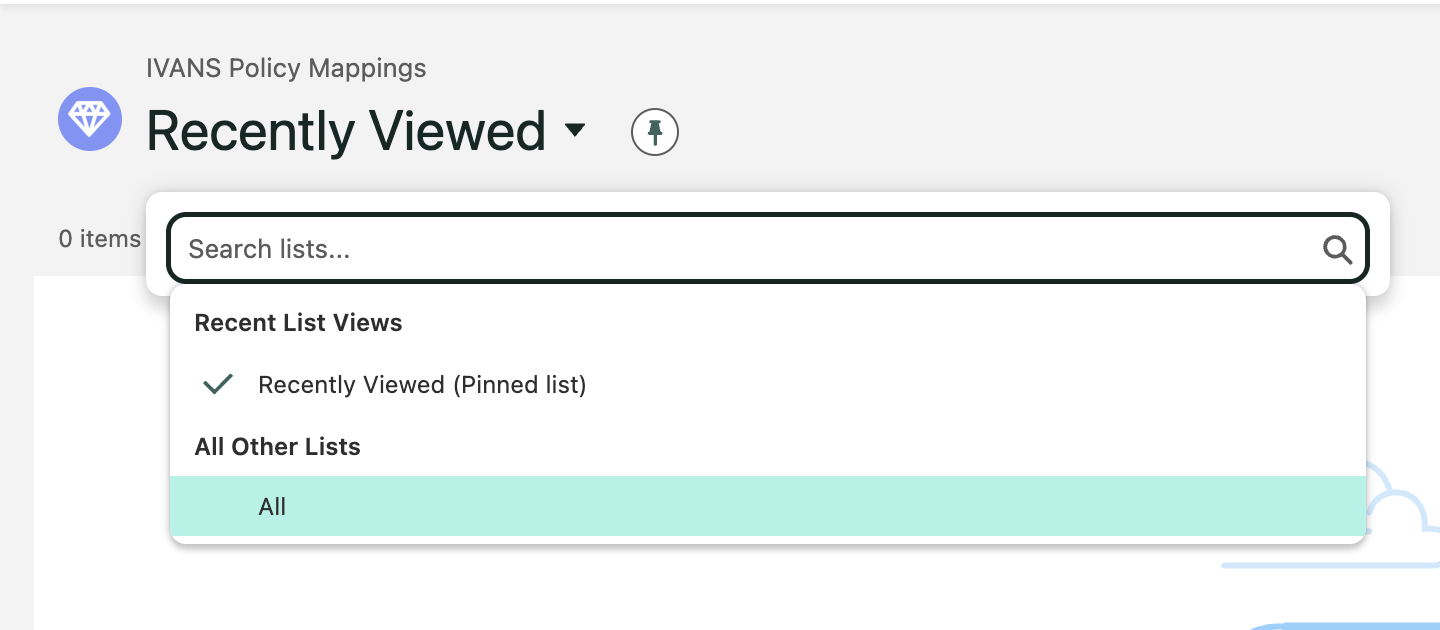
Change the view from Recently Viewed to All to see the complete list of mappings.
Review the full list of LOB codes and their corresponding coverage types.
Manage mappings
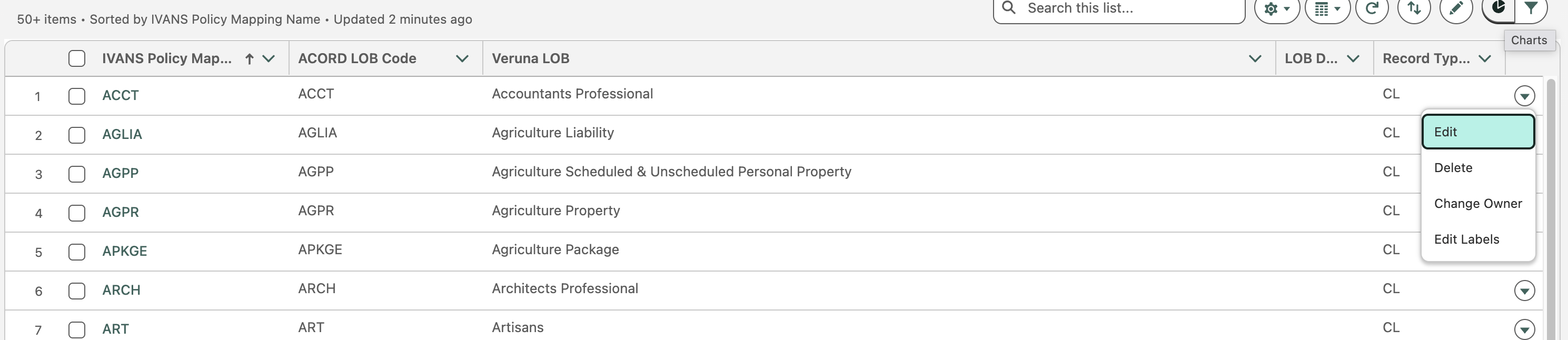
Users can edit, delete, change owners, and edit labels for mappings. Click the down error next to the mapping to expose the list of options: