Reprocessing a policy download
Last updated: April 20, 2026
Overview
Reprocess a policy download when the original didn't automatically match to a policy due to incomplete data, failed automation, or a system interruption. Reprocessing clears the transaction status so amplo can run the download again without creating a new record. This article explains how to reprocess a policy download and trigger it again from the Download Inbox.
Clear the transaction status
Follow the steps below to clear the transaction status of a policy download.
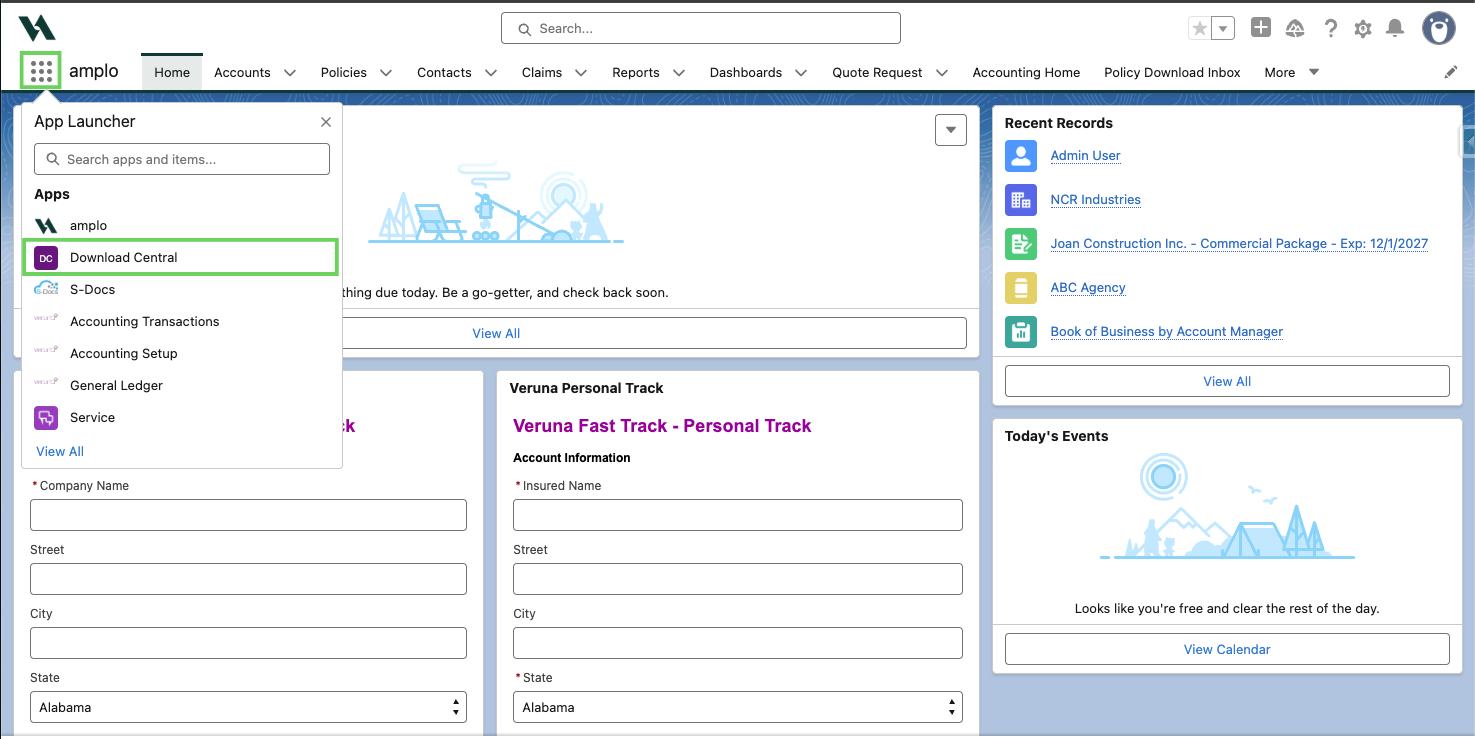
Use the App Launcher to select Download Central.
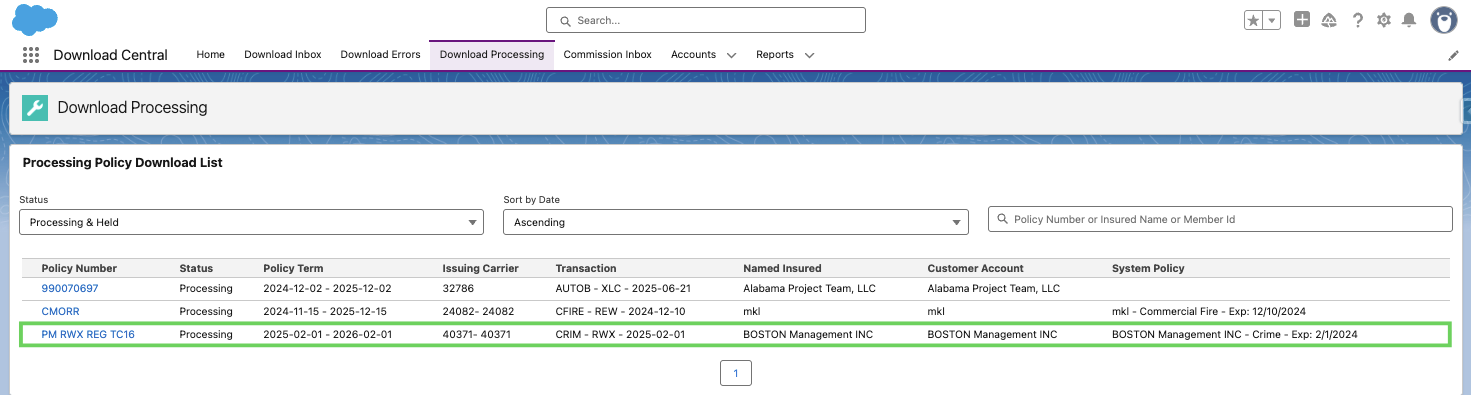
Select the Download Processing tab in Download Central.

Click the Policy Download Detail (PDD) that needs to be reprocessed.
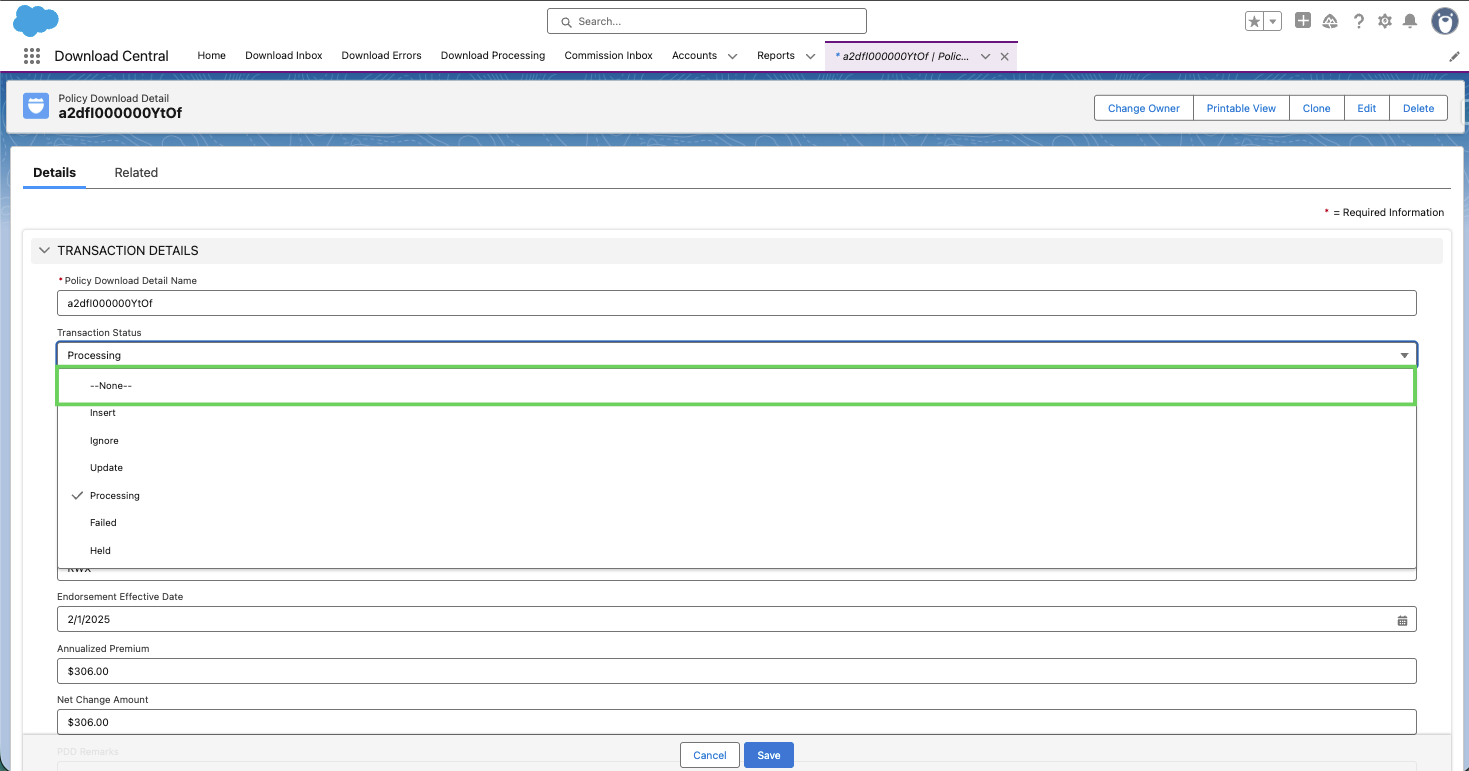
Click the edit pencil next to the Transaction Status.
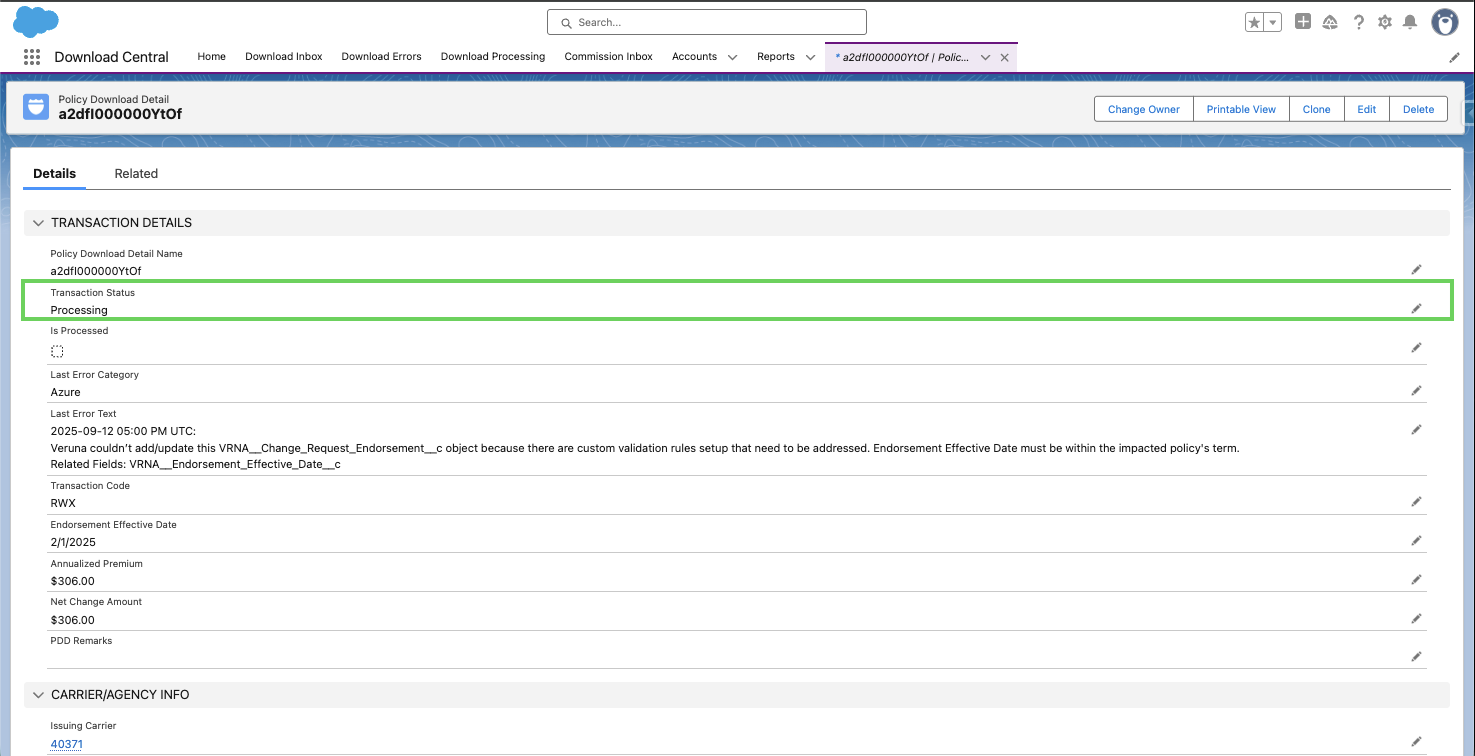
In the dropdown menu, select None.
Click Save.
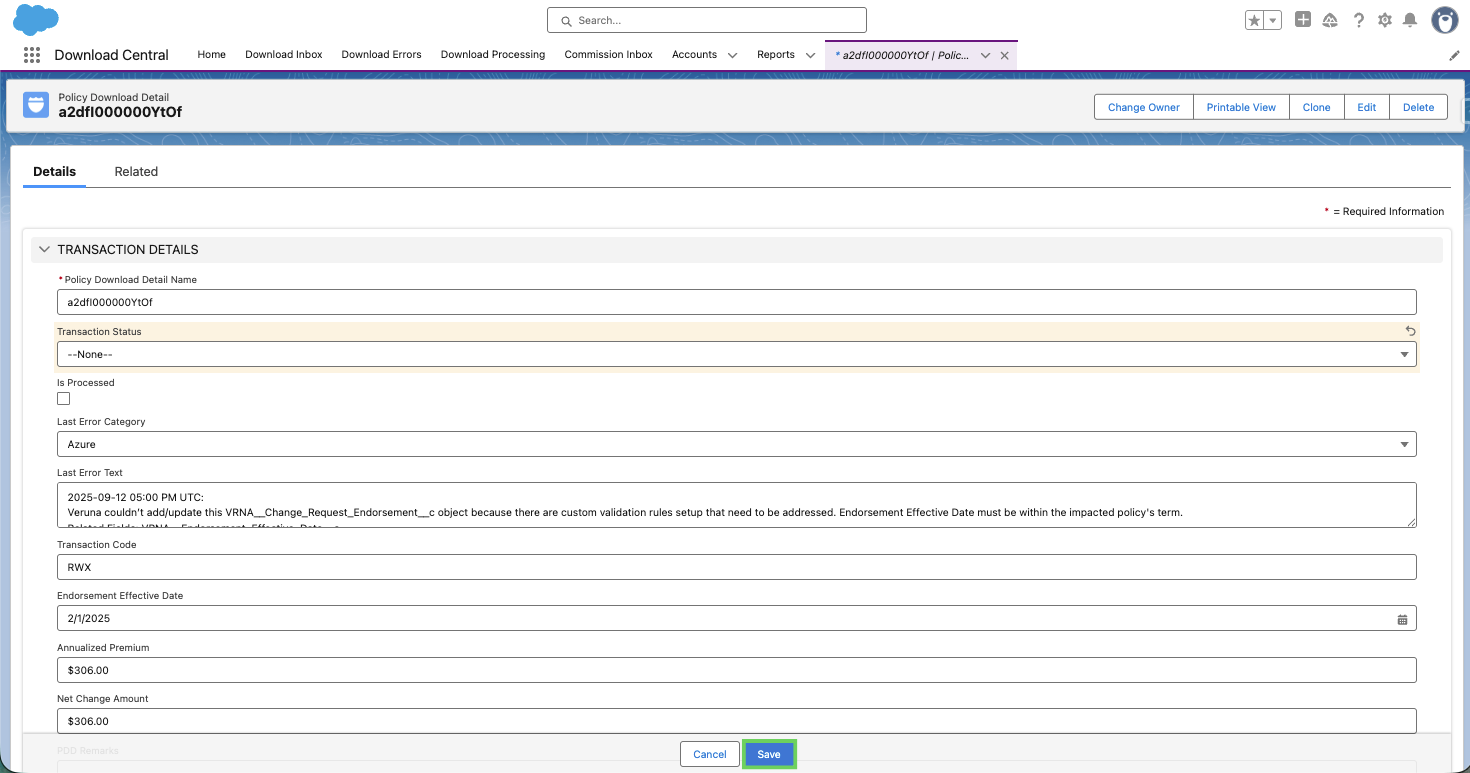
Note: It may take a moment for the transaction to reappear in the inbox after the status updates.
Reprocess the policy
After clearing the transaction status, return to the download record to trigger reprocessing.
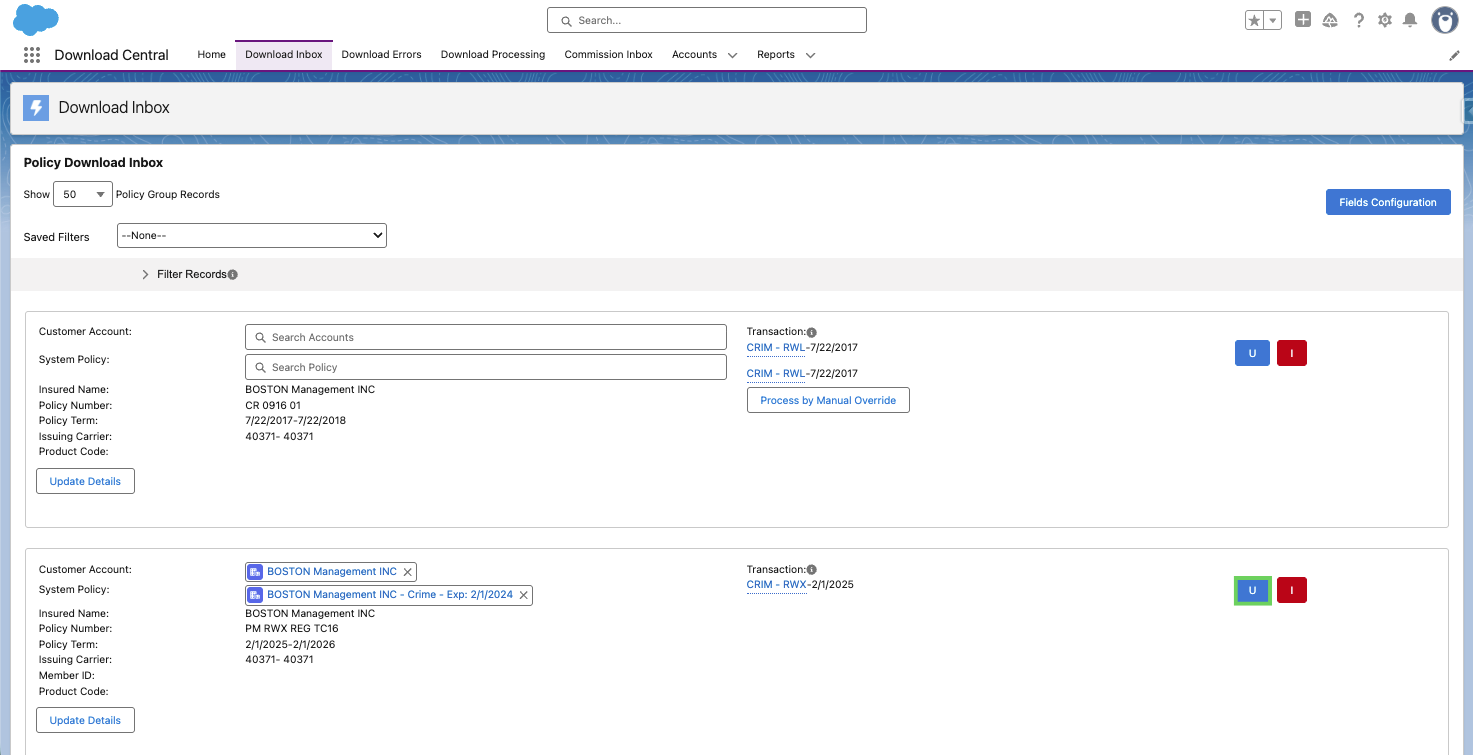
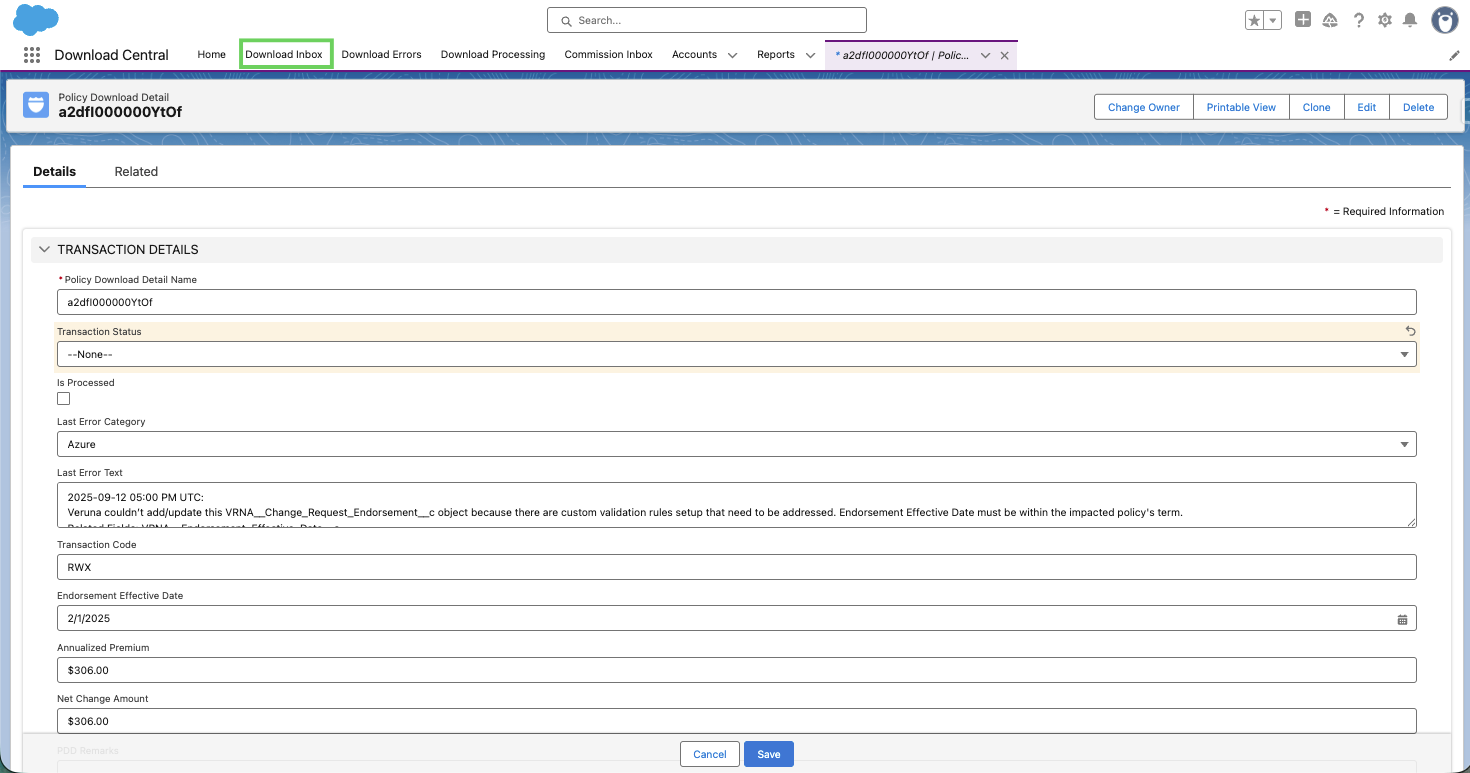
Select Download Inbox from the menu.
Locate the same download record.
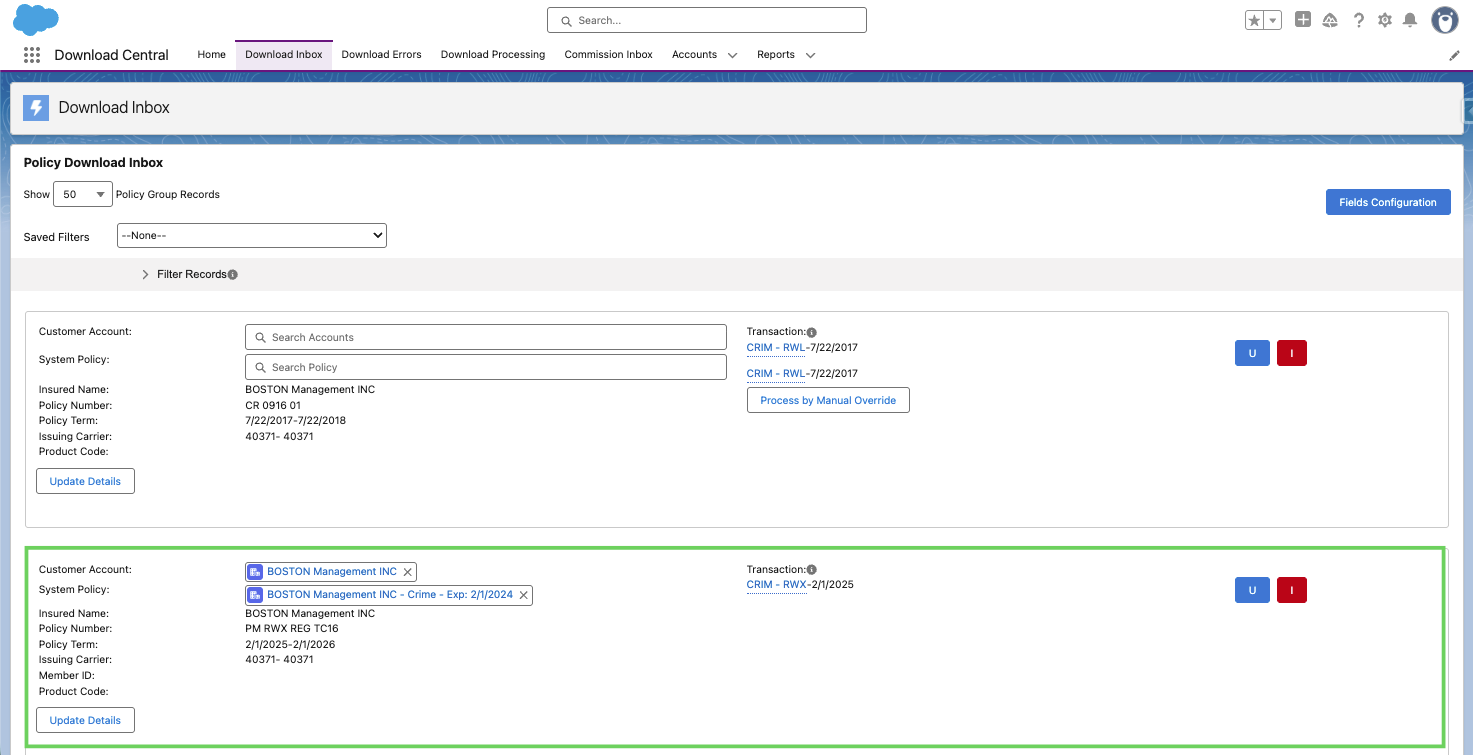
Confirm the Account and System Policy are still mapped correctly.

Select Update (U) to reprocess the policy.