Resetting the VerunaDocs API token
Last updated: October 2, 2026
Overview
If you see an embedded page error when attaching a document in VerunaDocs, your API token may need to be reset. A Salesforce administration can follow the steps below to reset the affected user's token.
How to reset the token
Resetting the token forces the user record to refresh its connection with VerunaDocs. Follow the steps below to complete the reset.
In the App Launcher, search for and select VerunaDocs Setup.

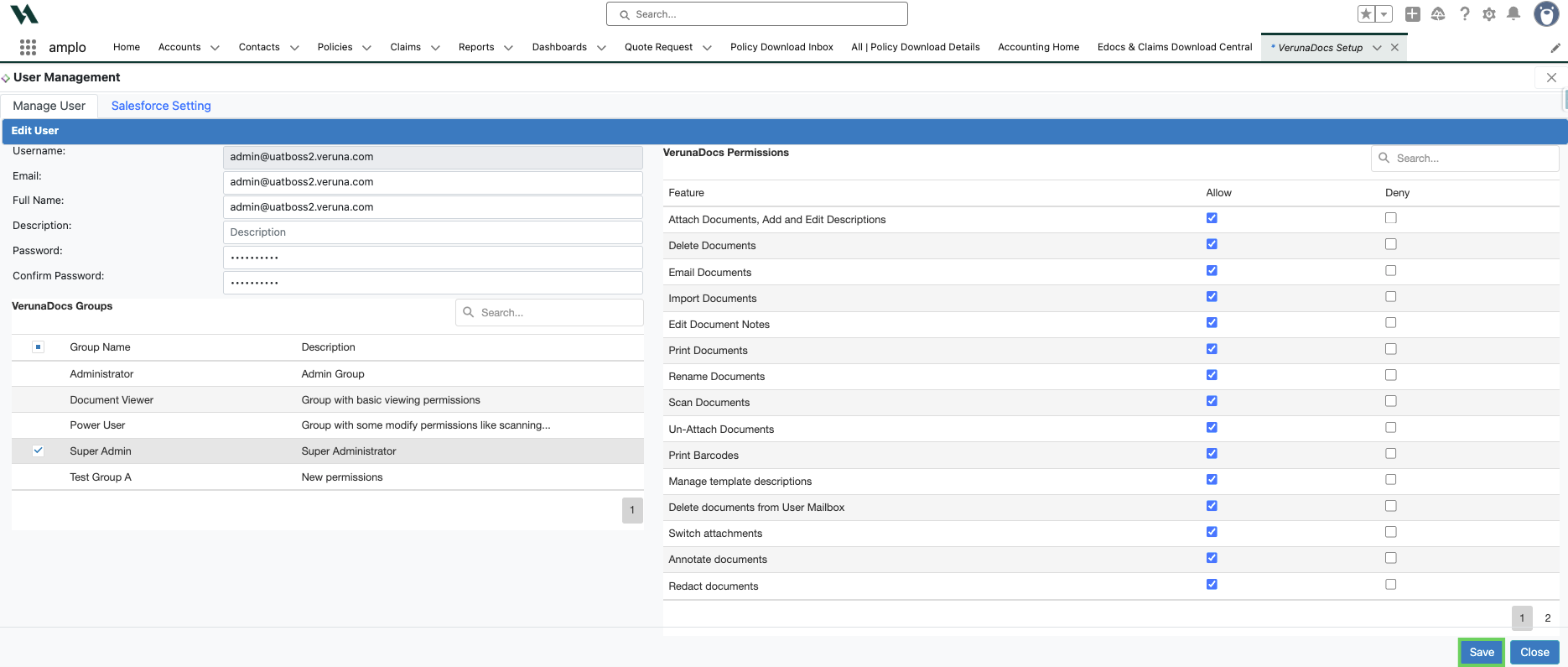
Find and select the affected user's name, then click Edit on the bottom right corner.
Click Save in the bottom right corner.
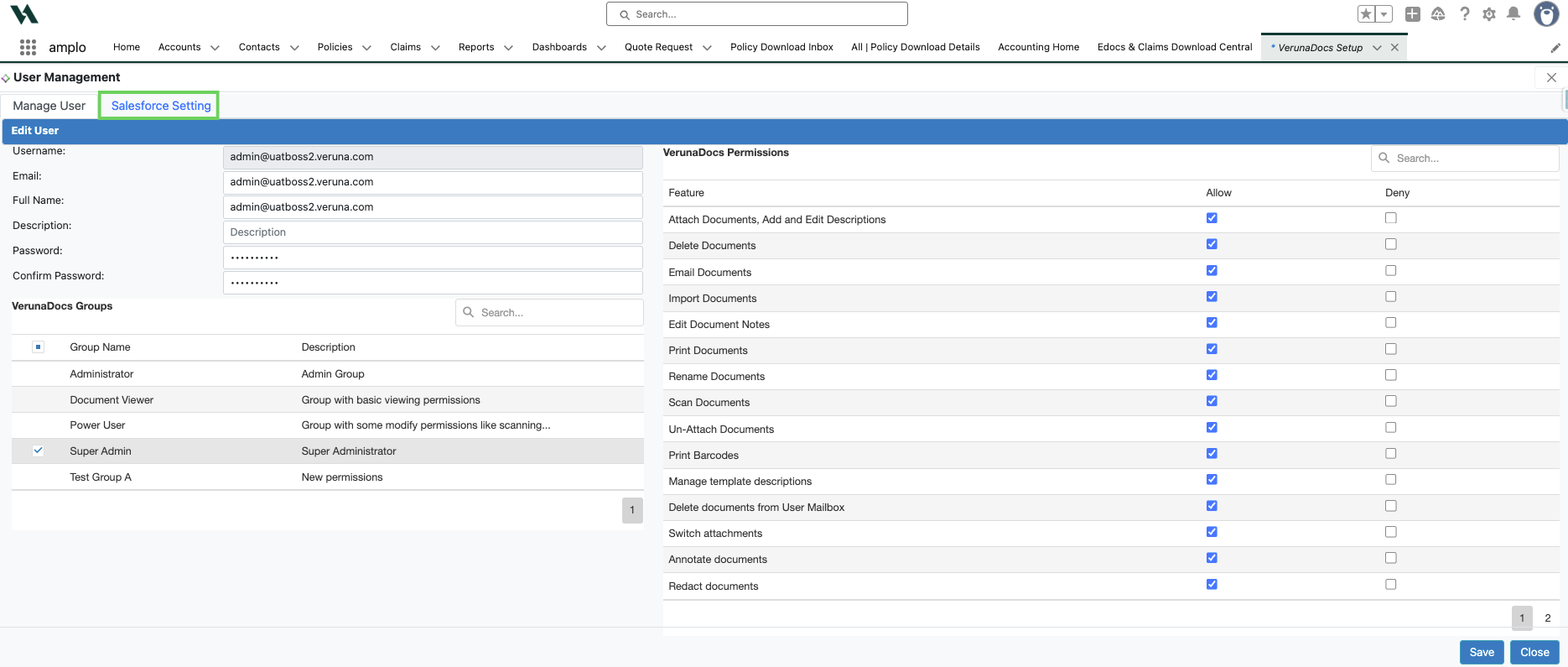
Click the Salesforce Settings tab.
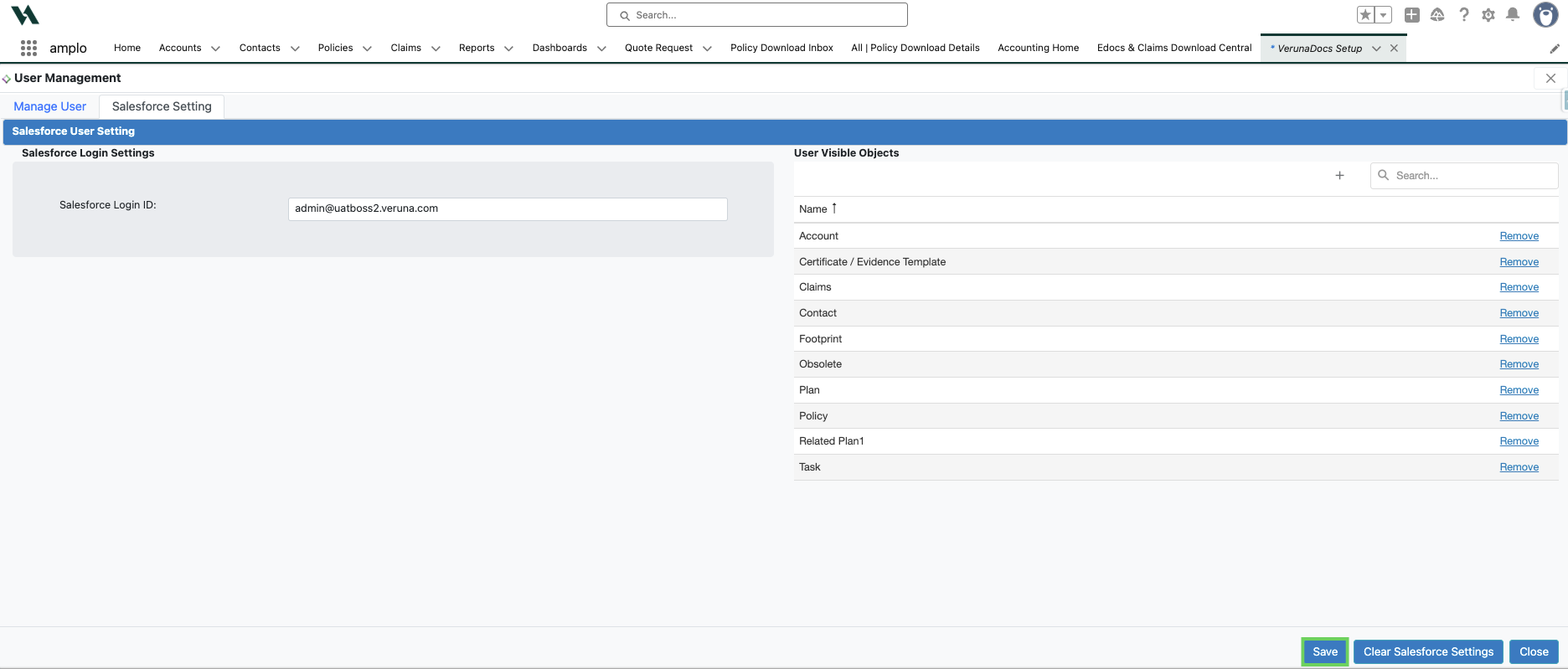
Click Save.
Note: If the error persists after completing these steps, see 📄 Resolving VerunaDocs errors for more information.