Multi-policy billing
Last updated: March 19, 2026
Overview
Billing an account with multiple policies allows agencies to align invoicing with how clients purchase and pay for coverage. Instead of issuing separate invoices for each policy, agencies may consolidate charges into a single billing to simplify the customer experience and improve payment efficiency. This article outlines the steps to achieve this.
Create an Activity Statement
Navigate to the Account to invoice.
Click Policies.

Click Create Statement.
Note: If you don't see the Create Statement button, confirm that you're logged into the correct organization with the correct permissions for that environment.
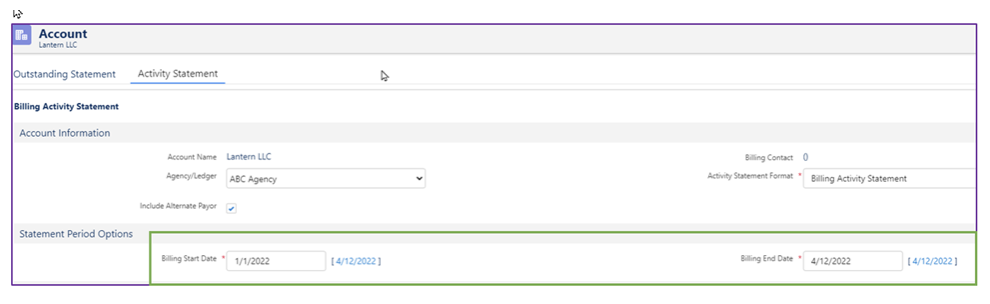
Take note of the two tabs:
Outstanding Statement: This statement shows all amounts billed but does not reflect payments received.
Activity Statement: This statement reflects billings as well as any payments received on the account.
Select Activity Statement.

Under the Statement Period Options section, use the date filter to include in the activity statement.
In the Email Sender and Recipient Information section, choose to e-mail the statement to the billing contact, if desired.
Click Save PDF to view the billing activitiy statement in the PDF Preview.