Policy Download Inbox redesign
Last updated: July 6, 2026
Overview
The Policy Download Inbox has been redesigned with a cleaner layout, more visible actions, and improved transaction management. This update addresses usability issues in the existing inbox, fixes known bugs, and adds new functionality including configurable ignore reasons and rematch capabilities.
What's new
Cleaner layout and better use of space
The filter section is smaller and more streamlined while keeping all the same filter options. More transactions are visible per page, reducing the need to click through multiple pages to get a clear overview.

Accurate policy count
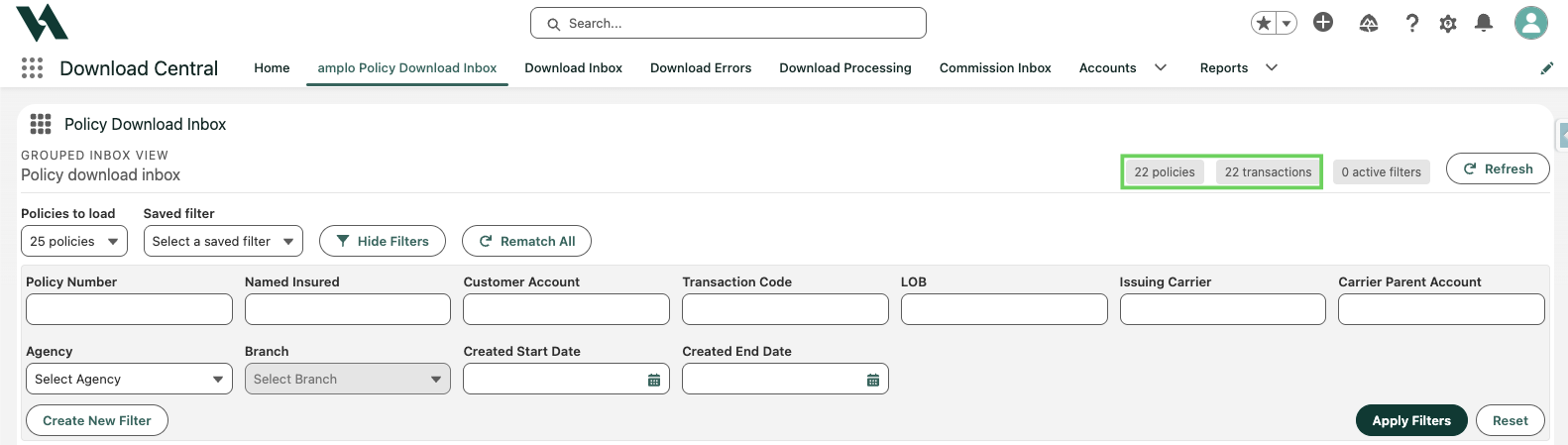
The inbox now displays the correct policy group count instead of individual transaction count, giving you a more accurate picture of what's in your inbox at a glance.
Clearer actions
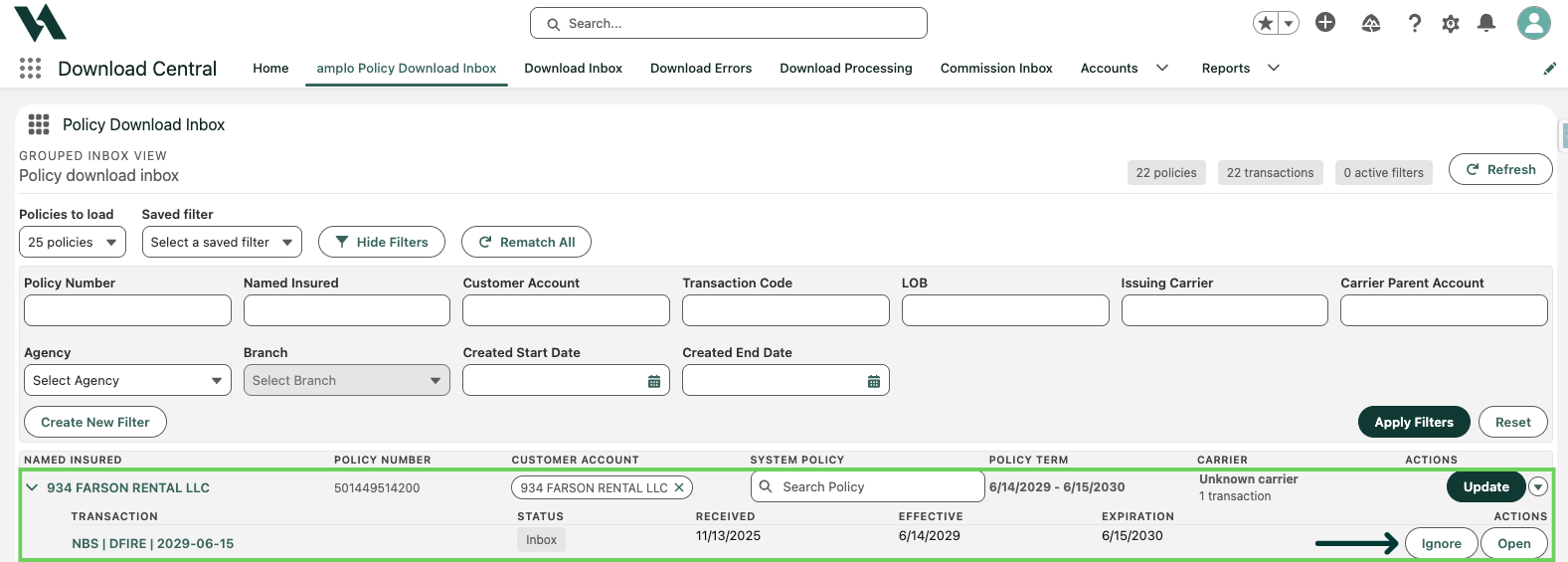
The main action for each transaction is clearly labeled and visible. Less frequently used actions are available in a dropdown to keep the interface clean without removing functionality.

Improved ignore behavior
The Ignore action is now correctly placed at the transaction level rather than the policy group level, so ignoring a transaction only affects that specific transaction and not the entire group. Transactions are grouped under expandable policy groups so you can view details as needed without cluttering the main view.
Configurable ignore reasons
When ignoring a transaction, you can now select or enter a reason. Options include a picklist value, a text explanation, or no reason at all. Ignore reasons are recorded and visible in the Process Histories list.

Note: This feature requires account configuration. Contact your administrator or support@amplo.com to get set up.
Process history tracking
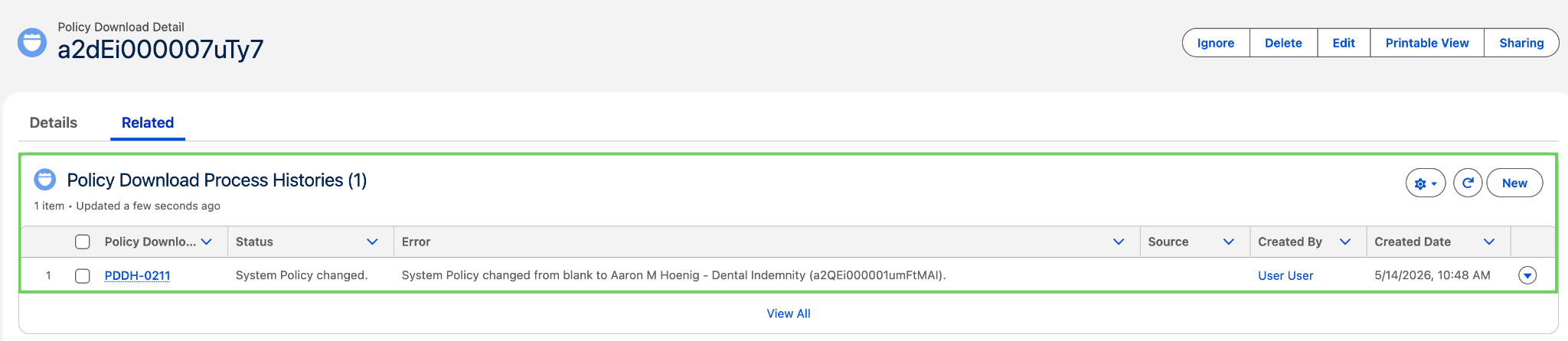
A process history record is now created when the policy is changed on a download detail, giving your team a clearer audit trail of activity in the inbox.