Using Salesforce Inspector Reloaded
Last updated: April 6, 2026
Overview
The Salesforce Inspector Reloaded extension helps analyze, inspect and change your Salesforce data. With this extension, you can:
View and edit field-level details, such as API name, type, label, and value, for any Salesforce record.
Export data to CSV, Excel or JSON format.
Import data to create or update records in Salesforce.
Install the extension
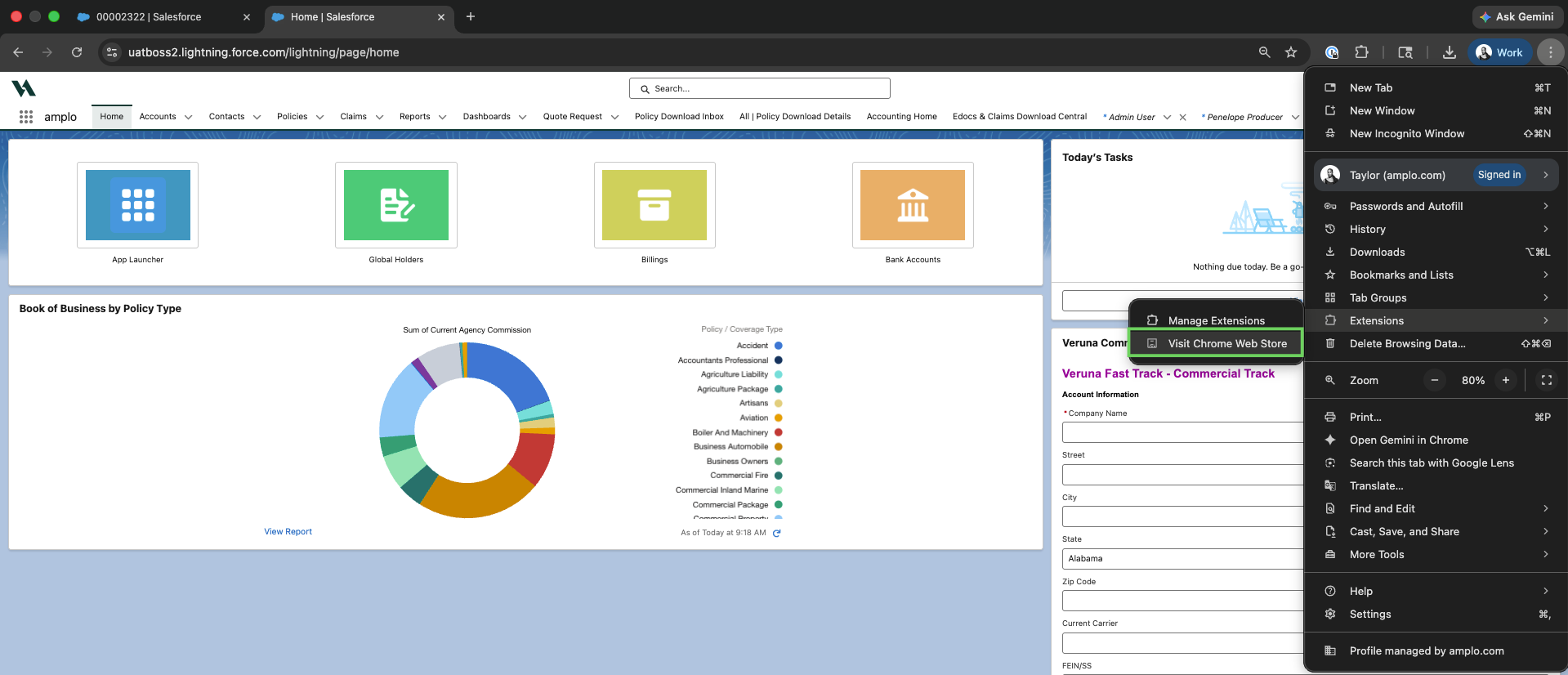
Select the three dots to open the menu and select Extensions.

Then select Visit Chrome Web Store.
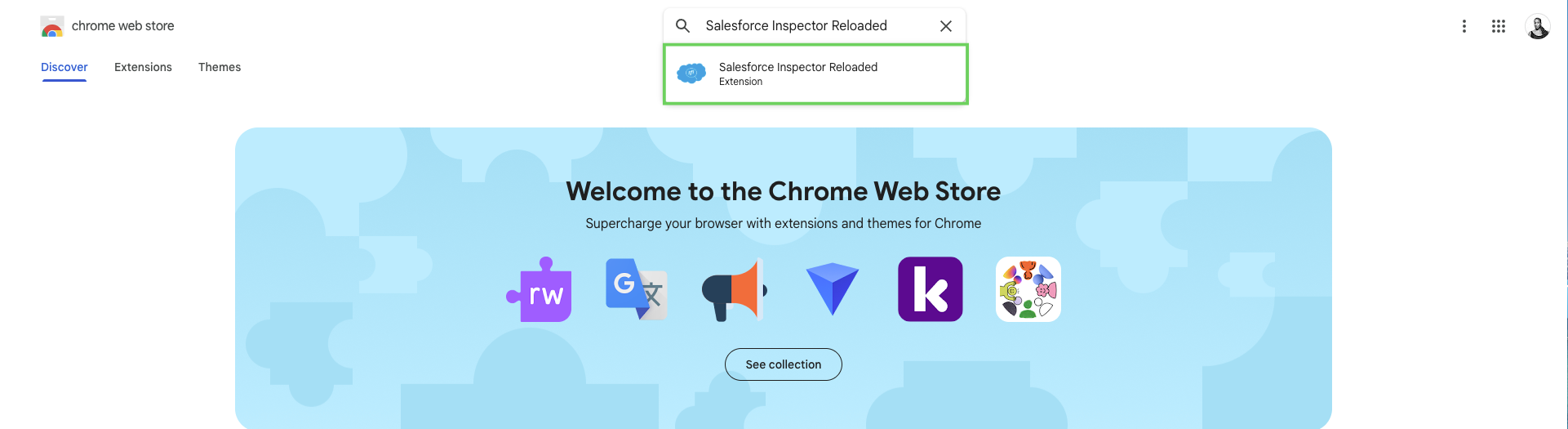
In the search bar, enter Salesforce Inspector Reloaded.
Click Add to Chrome.

In the confirmation modal, select Add Extension.

Enable the extension
Click the Salesforce Inspector Reloaded icon in the toolbar, or by pressing Ctrl+Shift+I (Ctrl+Option+I on a Mac).

Select the pin icon to keep the extension on the toolbar for quick access.