Reset a sandbox login password
Last updated: September 1, 2026
Overview
When a user's sandbox email address has .invalid appended to it, they may not receive password reset emails. This creates a loop where they can't verify their email or log in. This article explains how to resolve the issue by setting a temporary password for the affected user through the Developer Console, so they can regain access to the sandbox.
Set a temporary password through the Developer Console
If a user's sandbox email is marked as invalid and password reset emails aren't reaching them, an administrator can manually set a temporary password using the Developer Console. This bypasses the email verification loop and lets the user log in immediately.
Open the Developer Console in your Salesforce sandbox.
Select Debug, then select Open Execute Anonymous Window.
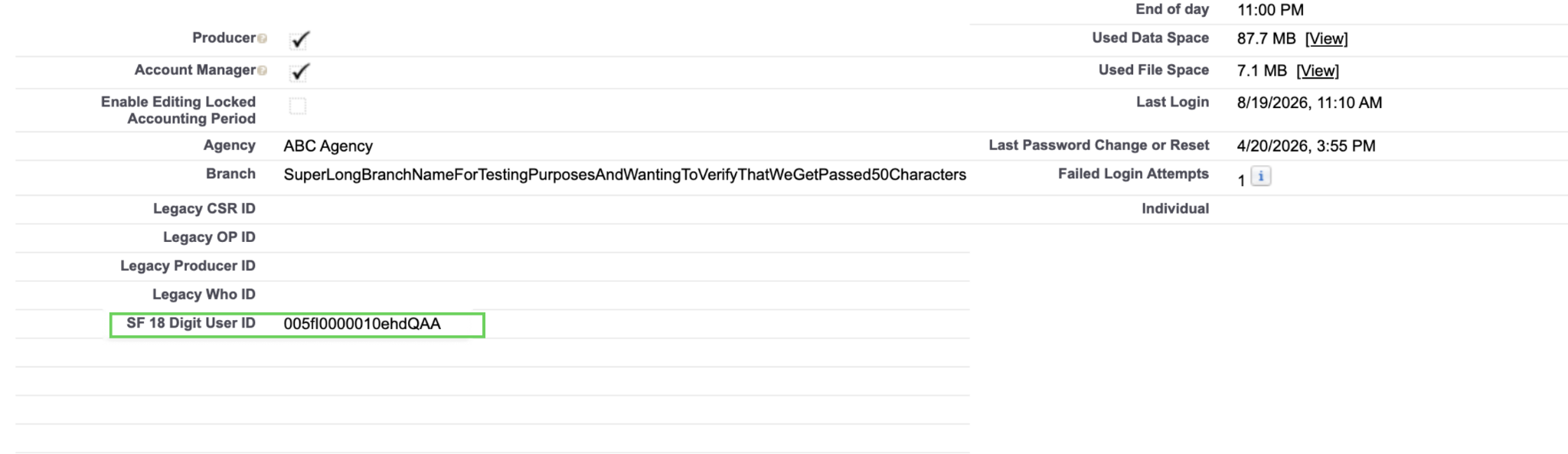
Enter the following code, replacing USER_ID_HERE with the user's Salesforce ID: System.setPassword('USER_ID_HERE', 'TemporaryPassword123!');
Note: Use the user's numeric Salesforce ID, not their username.
Click Execute.
Go to the affected user's record and click Verify to send a verification email.
Once you complete these steps, the user receives the verification email and can log in using the temporary password you set. In this example, TemporaryPassword123!.