Adding a vehicle schedule
Last updated: February 18, 2026
Overview
A vehicle schedule allows you to track and manage the vehicles associated with a policy. Keeping this information accurate ensures proper coverage, clear documentation, and streamlined policy management.
Process
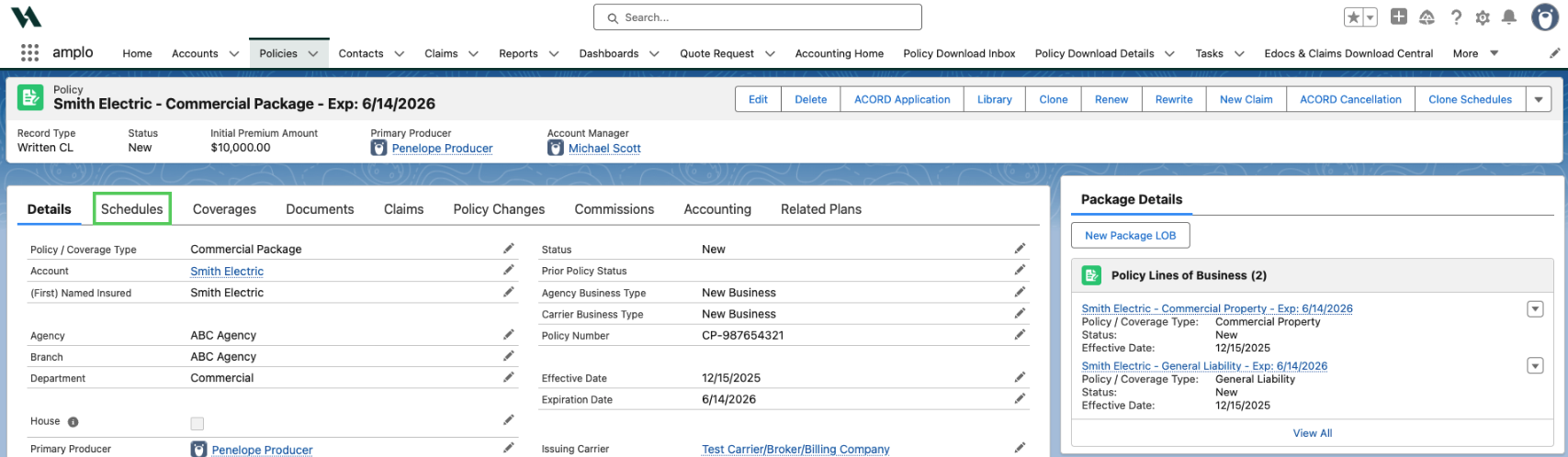
From the policy record, select the Schedules tab.
In the dropdown menu, select Vehicle.

Click Create New.

In the New Vehicle modal, enter the vehicle details and then click Save, or Save & New if adding more than one vehicle.
