Adding certificate holders
Last updated: January 21, 2026
Linking a certificate of insurance (COI) to the correct certificate holders is essential, even after the form is filled out. Doing so enables automated delivery, ensures accurate record-keeping, supports easy renewals and reissues, prevents missed notifications, and improves reporting and audit readiness—helping agencies stay efficient, compliant, and responsive.
Overview
Certificate holders can be added individually or imported in bulk using a .CSV file.
Manual
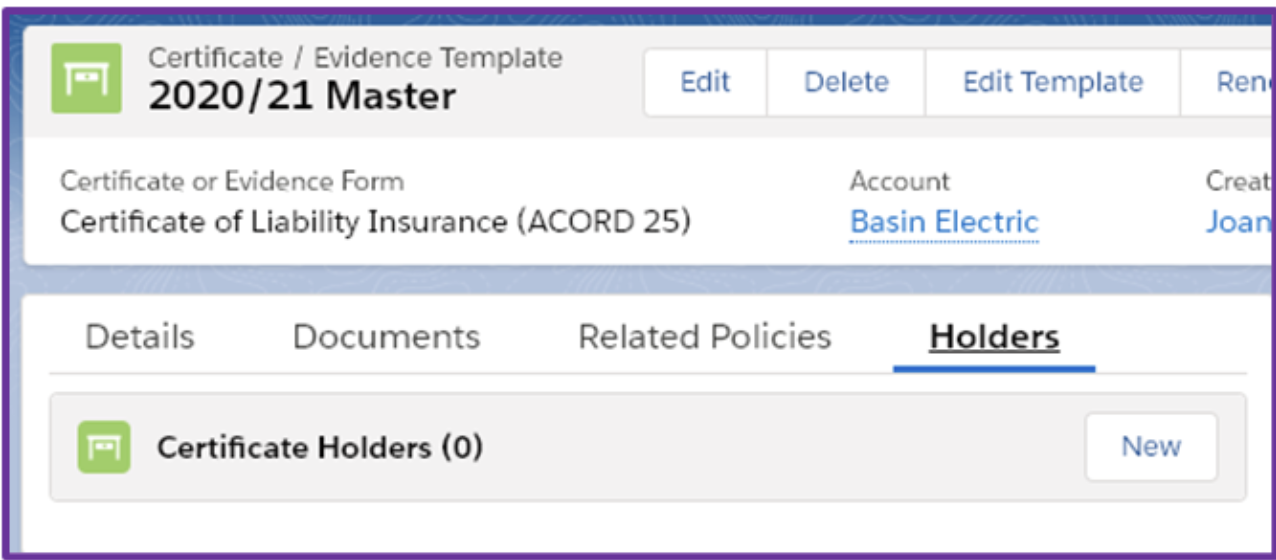
After generating the certificate, select Holders, then Create New Holder.
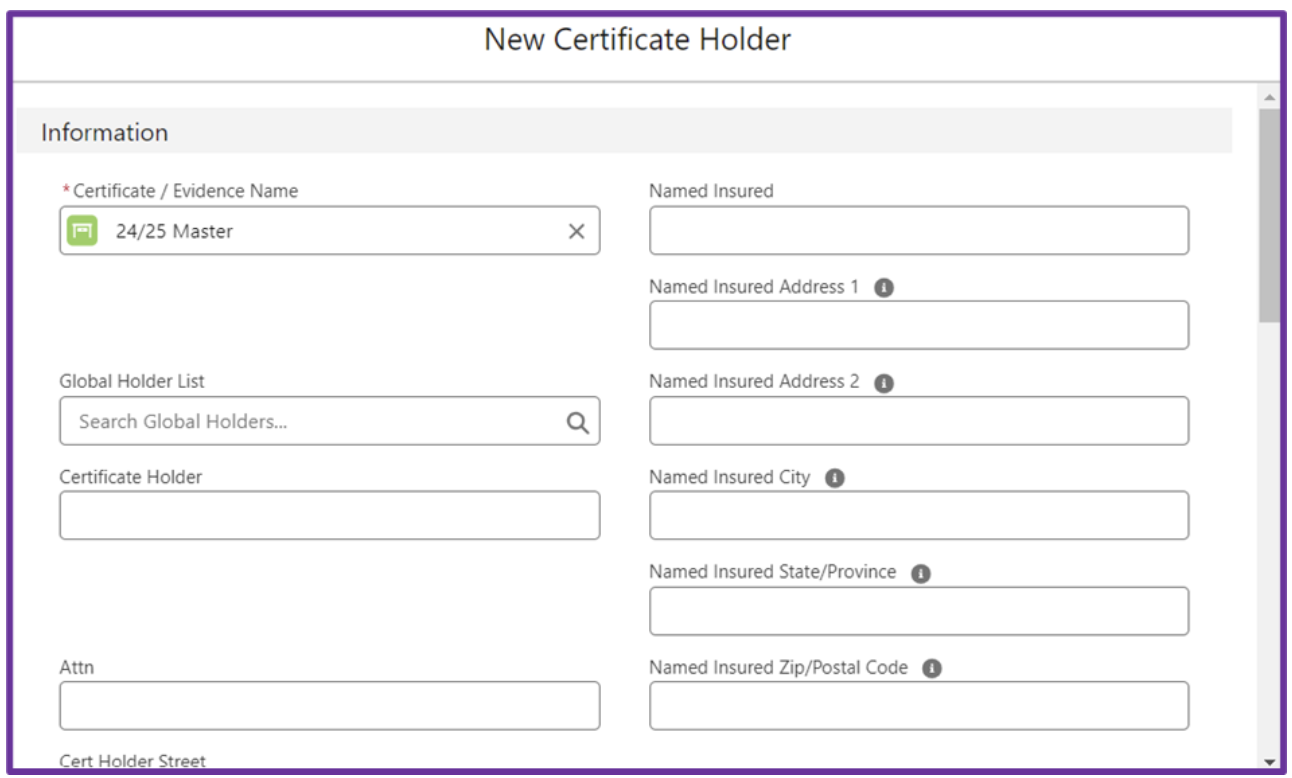
The Certificate / Evidence Name defaults to the current certificate.
Use the Global Holder List dropdown to select an existing holder. To save a new, frequently used holder, check the box to add it to the Global Holder List.
Enter the necessary details for the holder record.
Choose a delivery preference: Fax, Print, or Email.
If Email is selected, enter the recipient’s email address.

Note: If Email is selected as the delivery preference and the email field is blank, you will receive an error when sending and/or renewing the template.
If applicable, check Additional Insured or Waiver of Subrogation.
Review and send certificates. For more information on that process, review📄 Sending certificates to insureds.
In bulk
Navigate to the applicable account.
Select the Certificates tab, then click the hyperlink of the Certificate Template to open.

Select Import Holders.

Download the blank .CSV template and fill it out with your holder data.

Once completed, select Choose File to upload the CSV. Click Upload.

When the status shows Completed, select Close.