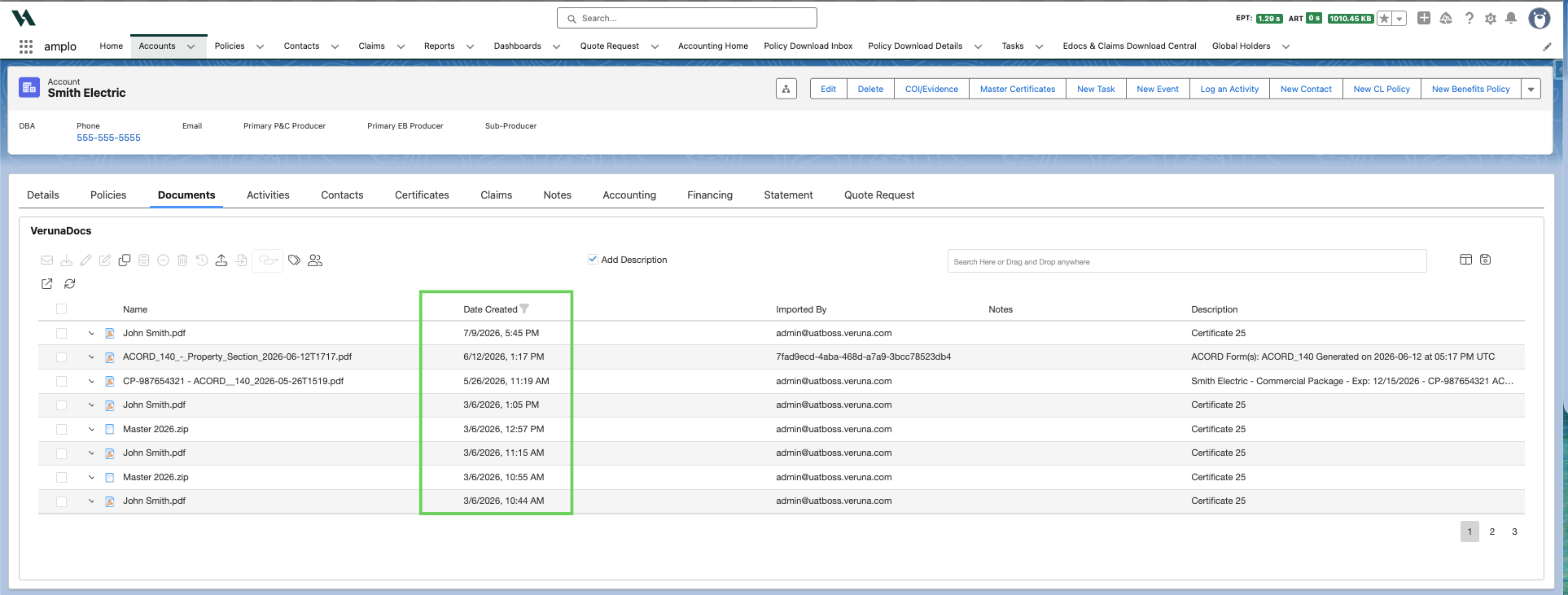
Add a date column in VerunaDocs
Last updated: July 30, 2026
Overview
The VerunaDocs document list can be customized to show additional columns, including the date a document was added. Use this article to add the Date Created field to your VerunaDocs layout.
Add the Date Created column
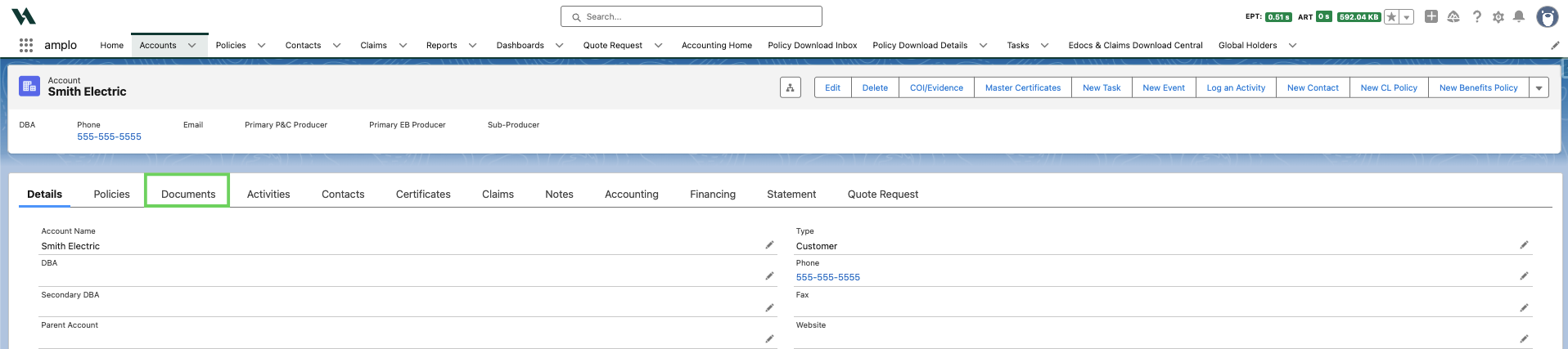
Navigate to any account record and click the Documents tab.
In VerunaDocs, click the layout button.

Find the Date Created field and drag it onto the VerunaDocs screen.

Note: You can also add the document Name and Cabinet by following the above steps.
The Date Created column will now appear in your VerunaDocs document list for reference.